
Step 1
Click the “App” Button
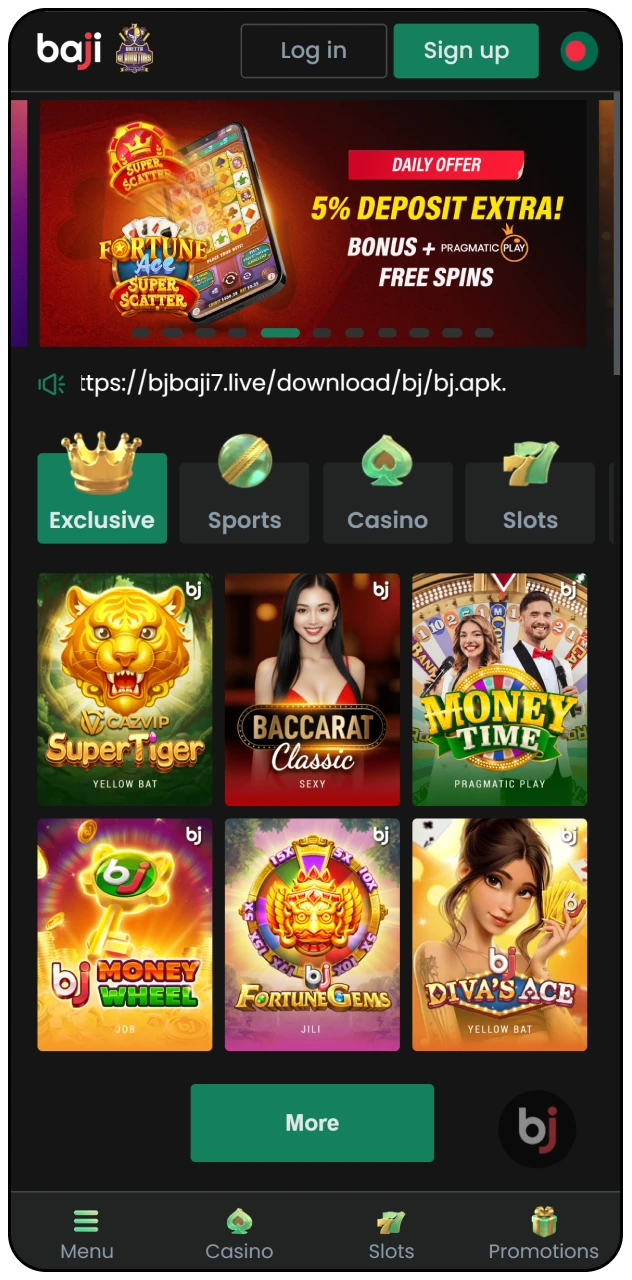
Open the official website and locate the download section at the top menu. Tap the button labelled “App” to view available download options for Android devices.
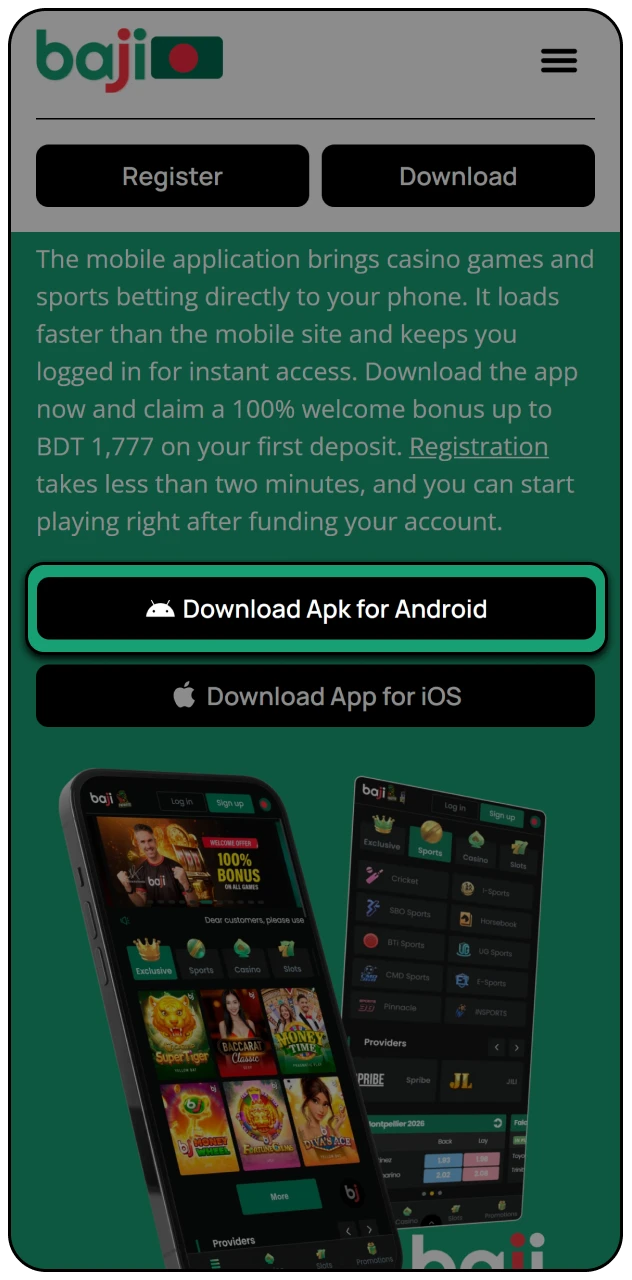
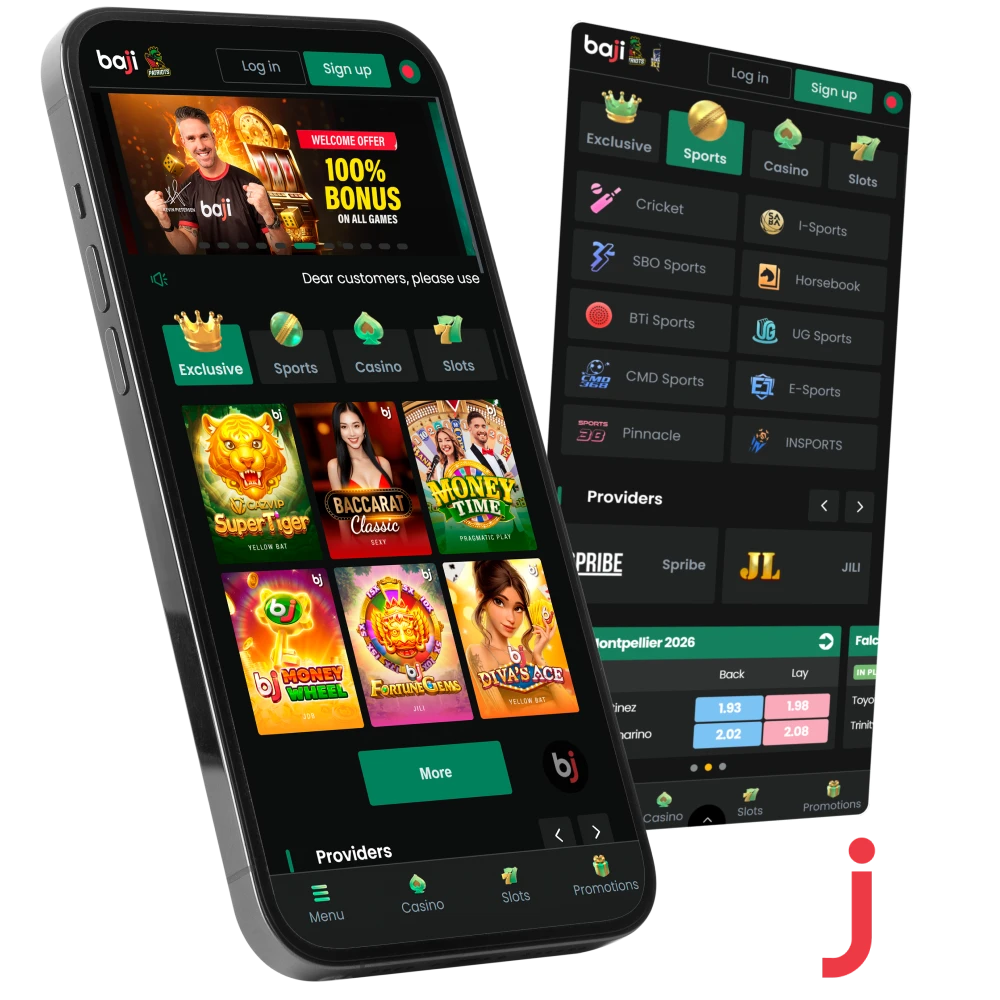
The mobile application brings casino games and sports betting directly to your phone. It loads faster than the mobile site and keeps you logged in for instant access. Download the app now and claim a 100% welcome bonus up to BDT 1,777 on your first deposit. Registration takes less than two minutes, and you can start playing right after funding your account.
For customers in Bangladesh, our app provides a full-featured mobile betting and casino experience. The software, which is compatible with Android smartphones, allows easy access to live casino games, sports betting, and a number of special deals. Baji Live guarantees a dependable and entertaining gaming experience for our players with an easy-to-use UI and secure platform.
| License | Curacao eGaming License |
| Supported OS | Android (version 4.1 and higher), iOS |
| Latest Version | 2.5 |
| Release Date | August 2, 2024 |
| Cost of Download | Free |
| Downloads | Available for download via the official website |
| App Languages | English, Bengali |
| Supported Countries | Bangladesh, India, Pakistan, Vietnam |
| Welcome Bonus for Sports | 100% up to 10,000 BDT |
| Welcome Bonus for Casino | 100% First Deposit Bonus up to 1,000 BDT |
| Bet Types | Lay Bet, Back Bet, Over/Under, Even/Odd, Handicap, First Team to Score, Double Chance, Mix Parlay |
| Support Service | 24/7 customer support via live chat and email |
| Customer Support | Email: bj88holdingslimited@gmail.com |
The interface uses a dark theme to reduce eye strain during long sessions. Navigation buttons remain visible at the bottom of the screen, letting you switch between sports, casino, and account settings in one tap.
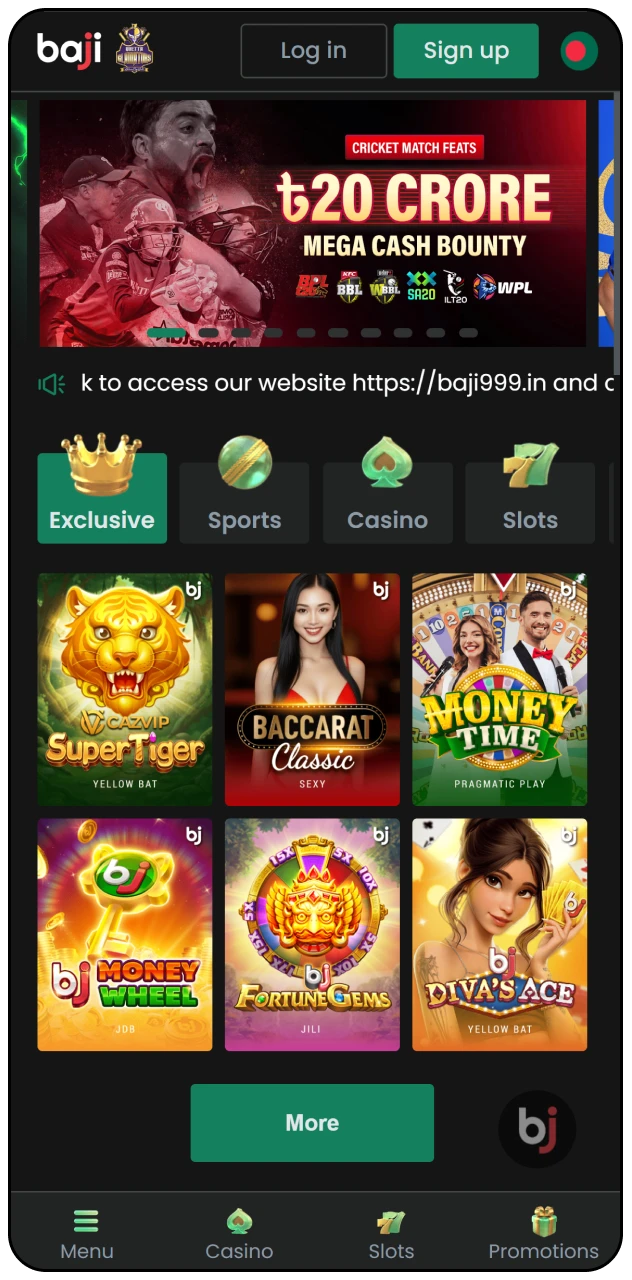
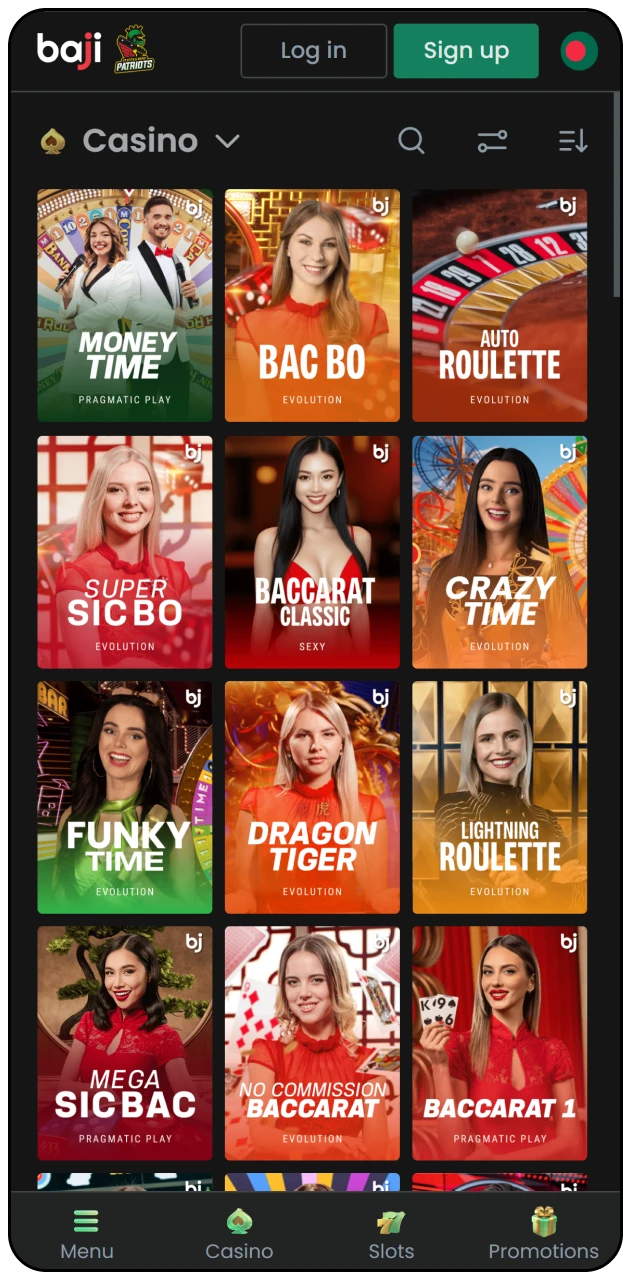
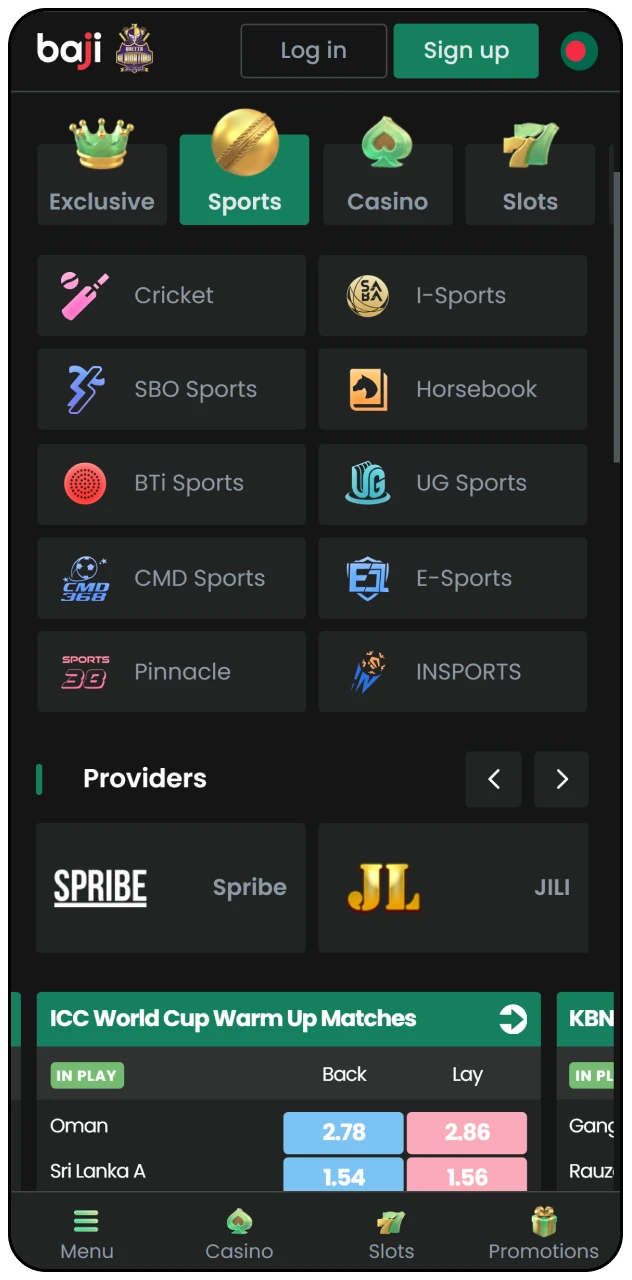
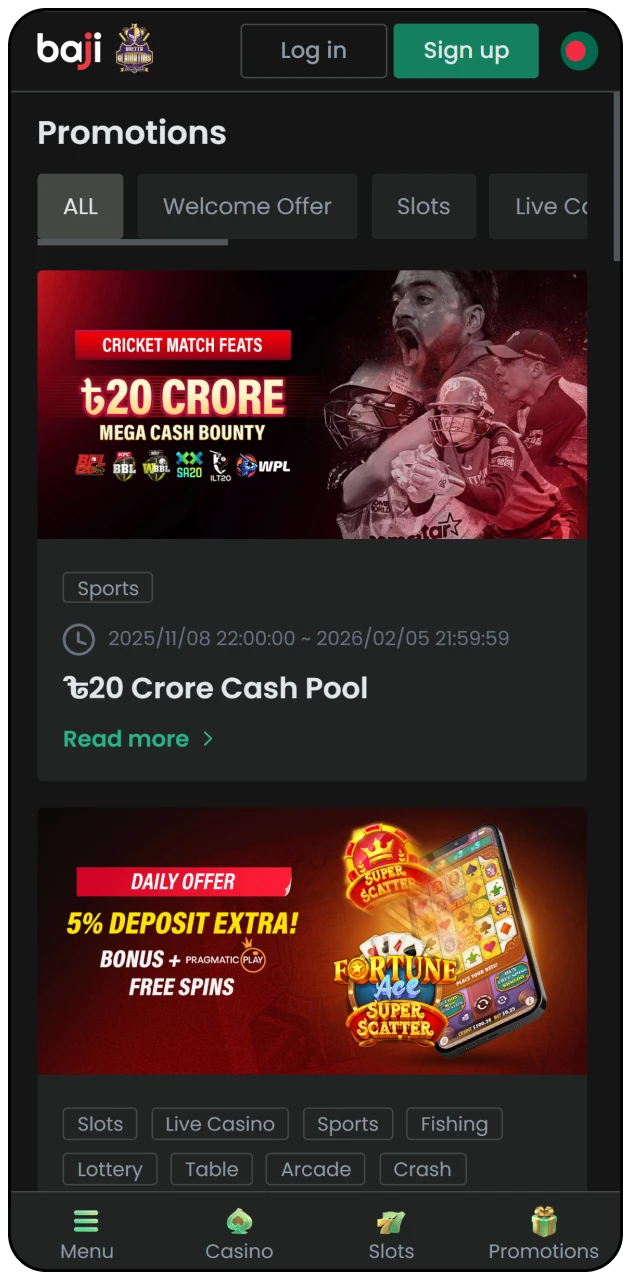
Installing the Android version takes less than five minutes. Follow these instructions to get the app running on your phone.
Step 1
Open the official website and locate the download section at the top menu. Tap the button labelled “App” to view available download options for Android devices.
Step 2
Select the Android download link to begin downloading the installation file to your device.
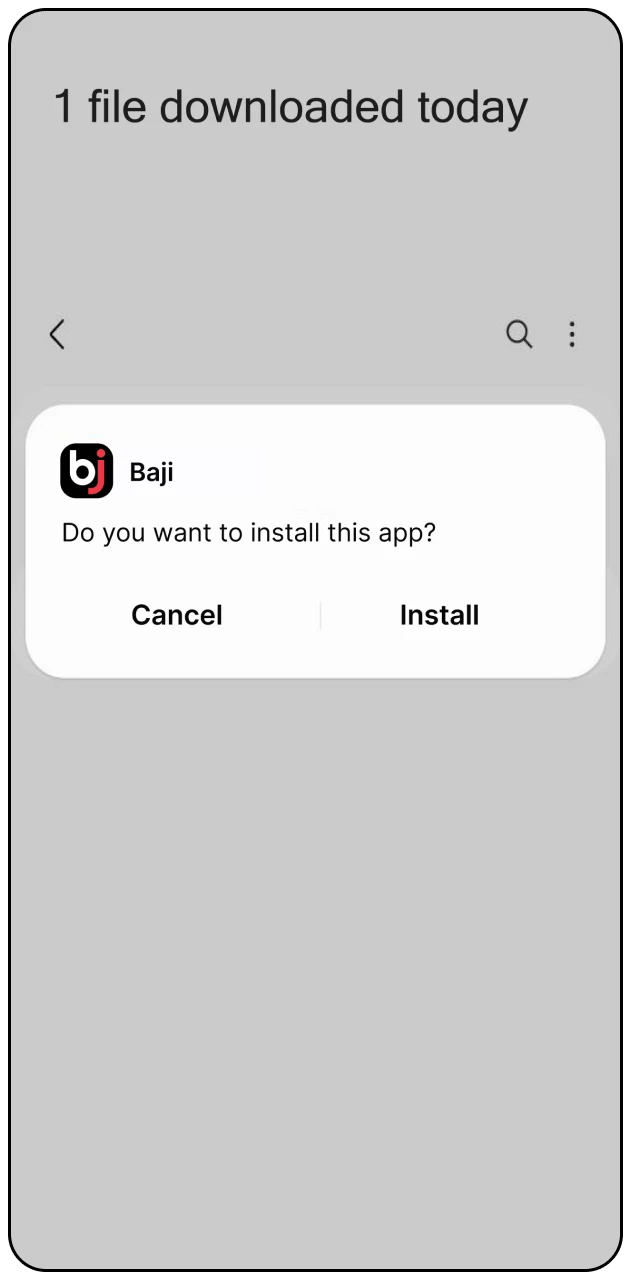
Step 3
Open the downloaded file and tap “Install” to complete the setup process on your phone.
The Android application runs on most smartphones released after 2015. It adapts to different screen sizes and works on both budget and flagship models.
| Brand | Models |
|---|---|
| Samsung | Galaxy A54, Galaxy S23, Galaxy M34, Galaxy A34 |
| Sony | Xperia 5 V, Xperia 1 V, Xperia 10 V |
| Huawei | P60 Pro, Mate 60 Pro, Nova 11 |
| OnePlus | 11R, Nord 3, 11 Pro |
| Oppo | Reno 10 Pro, Find N3, A78 |
| Pixel 8, Pixel 7a, Pixel 8 Pro | |
| Xiaomi | Redmi Note 13 Pro, 13T Pro, 14 |
| Poco | X6 Pro, F5, M6 Pro |
Your phone needs at least 2 GB of RAM and 150 MB of free storage to install and run the application smoothly. Older phones running Android 5.0 or higher will work, but newer versions provide better performance and faster loading times for live betting features.
| System Requirements | Details |
|---|---|
| Operating System | Android 5.0 or higher |
| RAM | Minimum 2 GB |
| Storage Space | 150 MB free space |
Installing the PWA on your iPhone or iPad requires using Safari browser. The process takes about three minutes and creates an app icon on your home screen.
Step 1
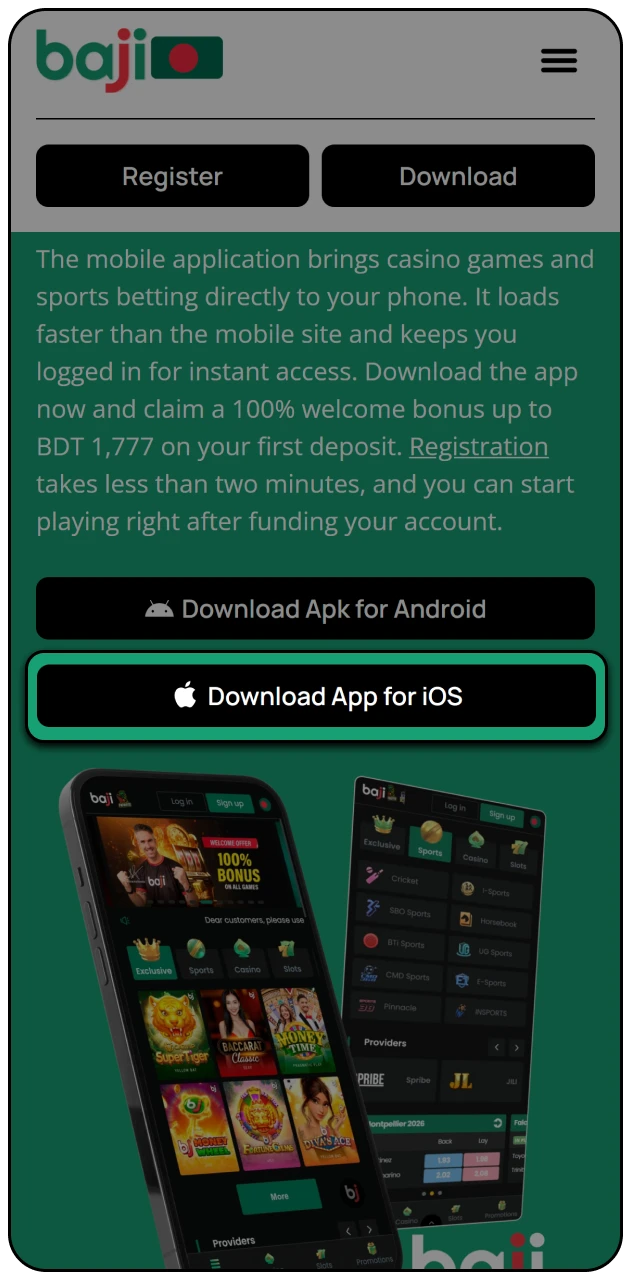
Open Safari and visit the official website, then tap the iOS download button.
Step 2
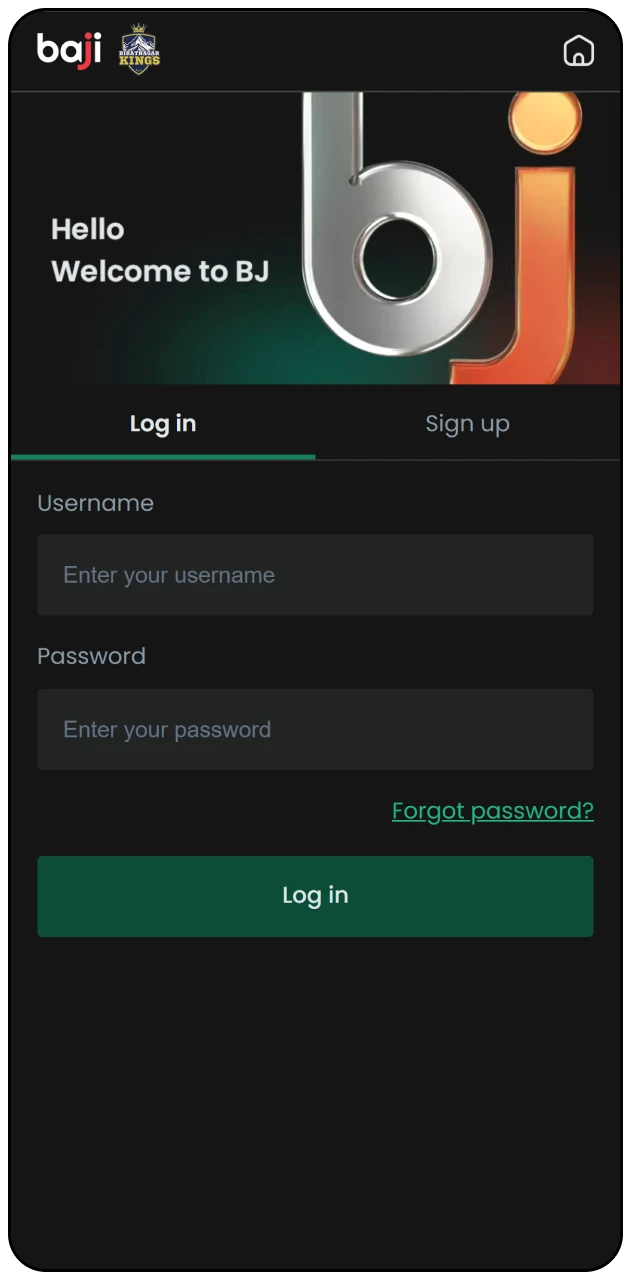
Enter your login details or create a new account if you do not have one yet.
Step 3
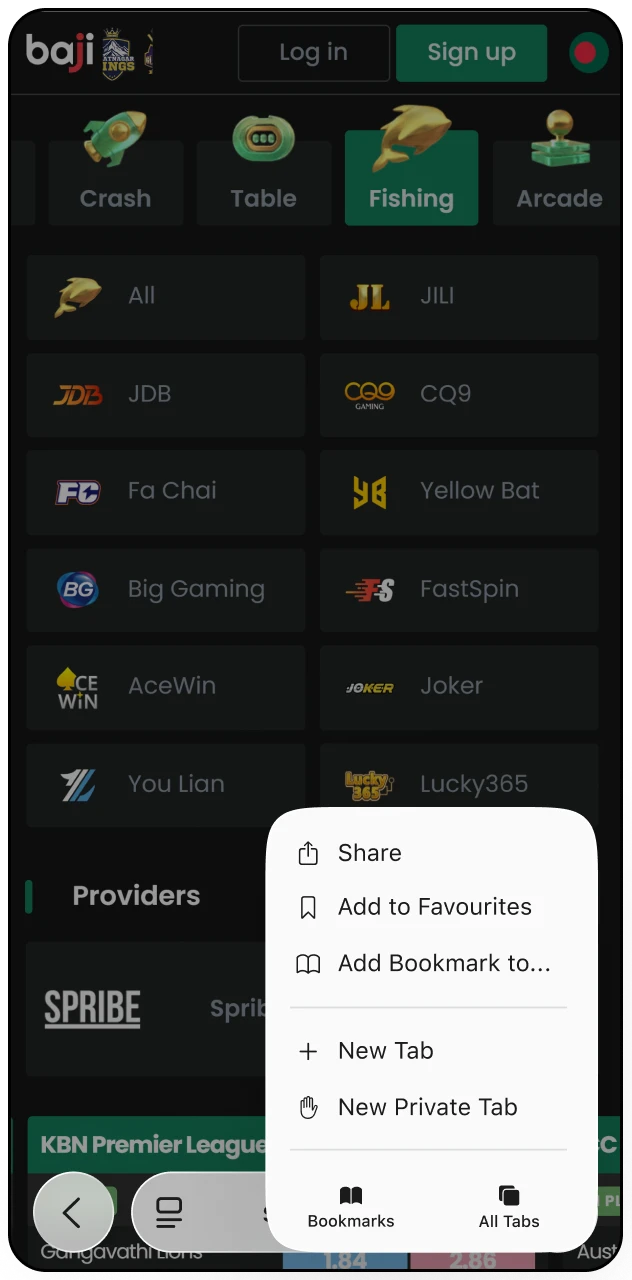
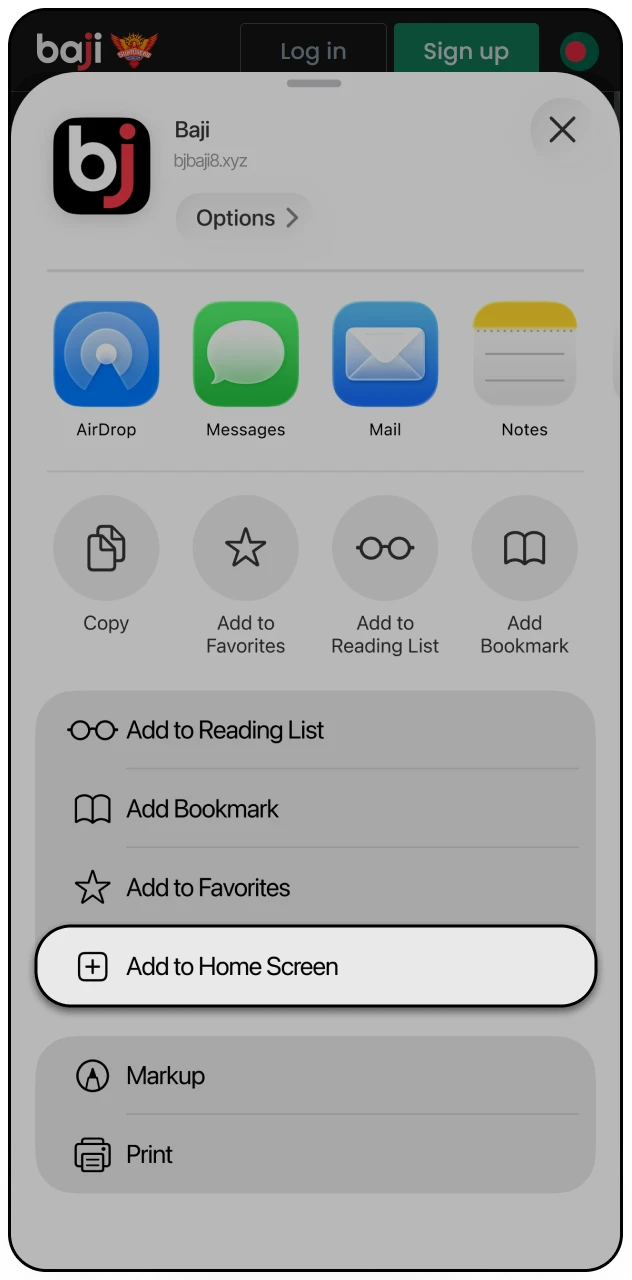
Tap the Share icon at the bottom of Safari to open the action menu.
Step 4
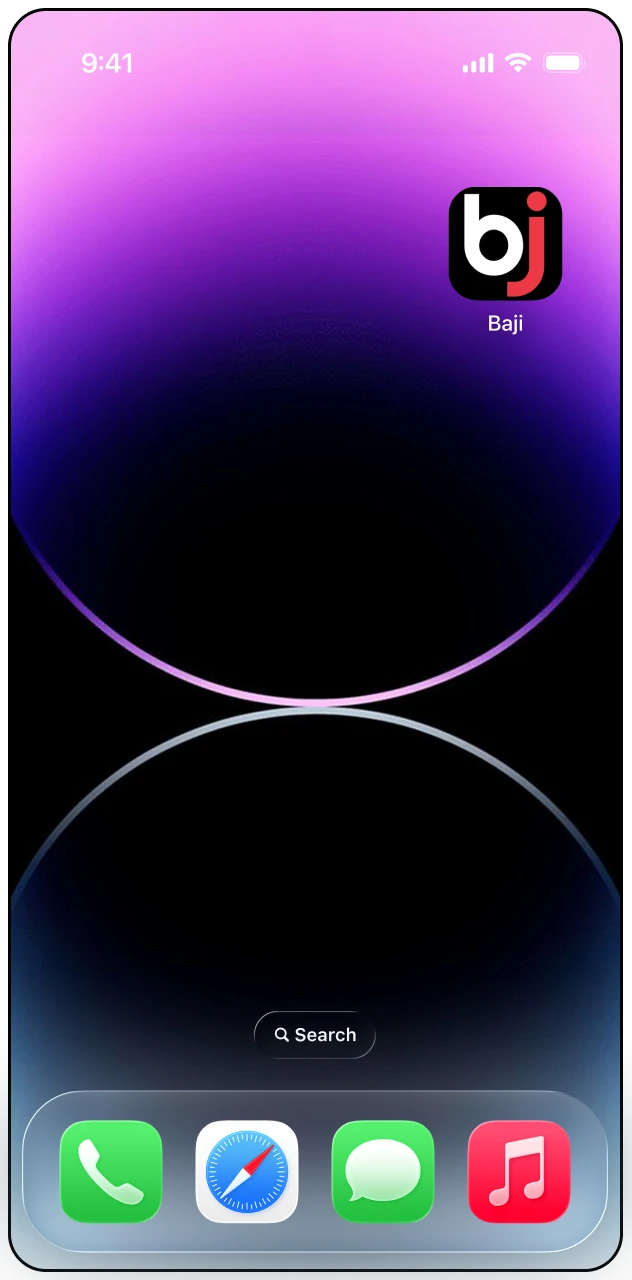
Choose “Add to Home Screen” from the menu, then tap “Add” to confirm.
Step 5
Open the new icon from your home screen, log in, and start placing bets or playing casino games immediately.
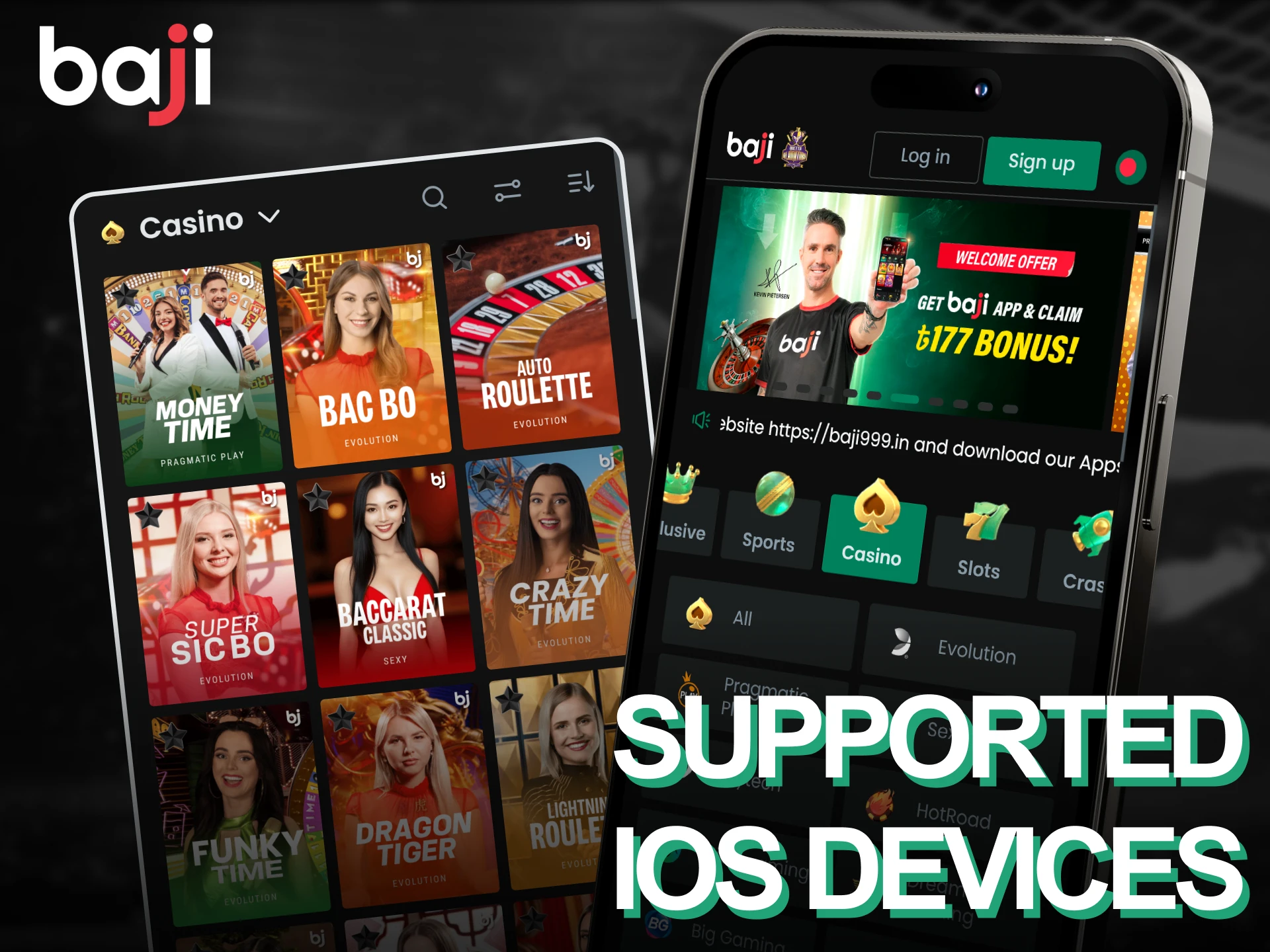
The software is supported on iOS 10 and above. Here are some popular devices that work with the app:
This list includes the latest devices for easy access.
Your iPhone or iPad needs iOS 11.0 or a newer version to install the PWA. At least 2 GB of RAM ensures smooth performance during live betting sessions, and you should have 150 MB of free storage for the initial installation and cached data.
| System Requirements | Details |
|---|---|
| Operating System | iOS 11.0 or higher |
| RAM | Minimum 2 GB |
| Storage Space | 150 MB free space |
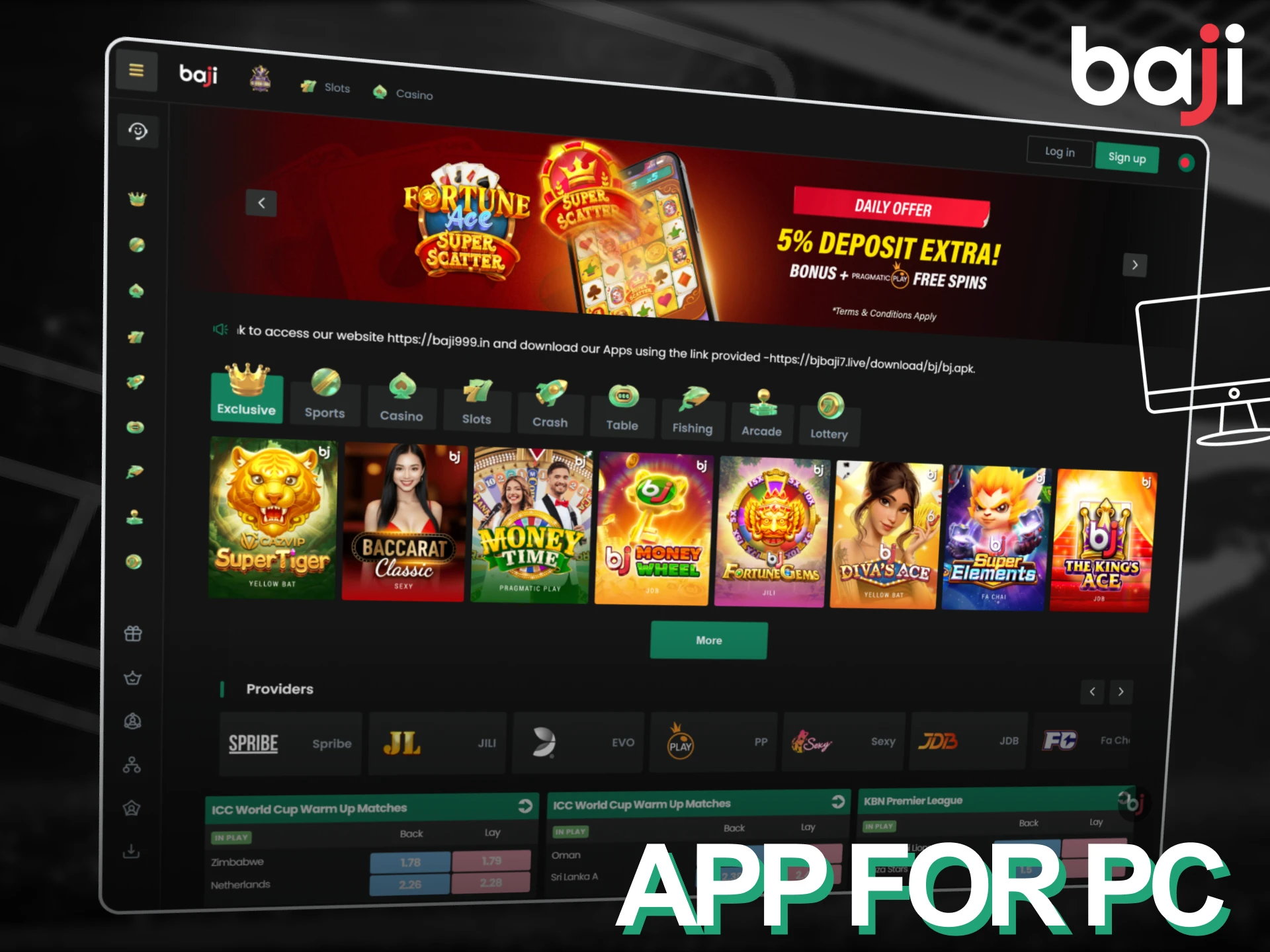
The desktop version runs through your web browser without requiring a separate download. It provides the same betting markets and casino games as the mobile application but uses a wider layout to show more information on screen. You can access your account, place bets, and manage deposits from Windows, macOS, or Linux computers by visiting the official website and logging in.
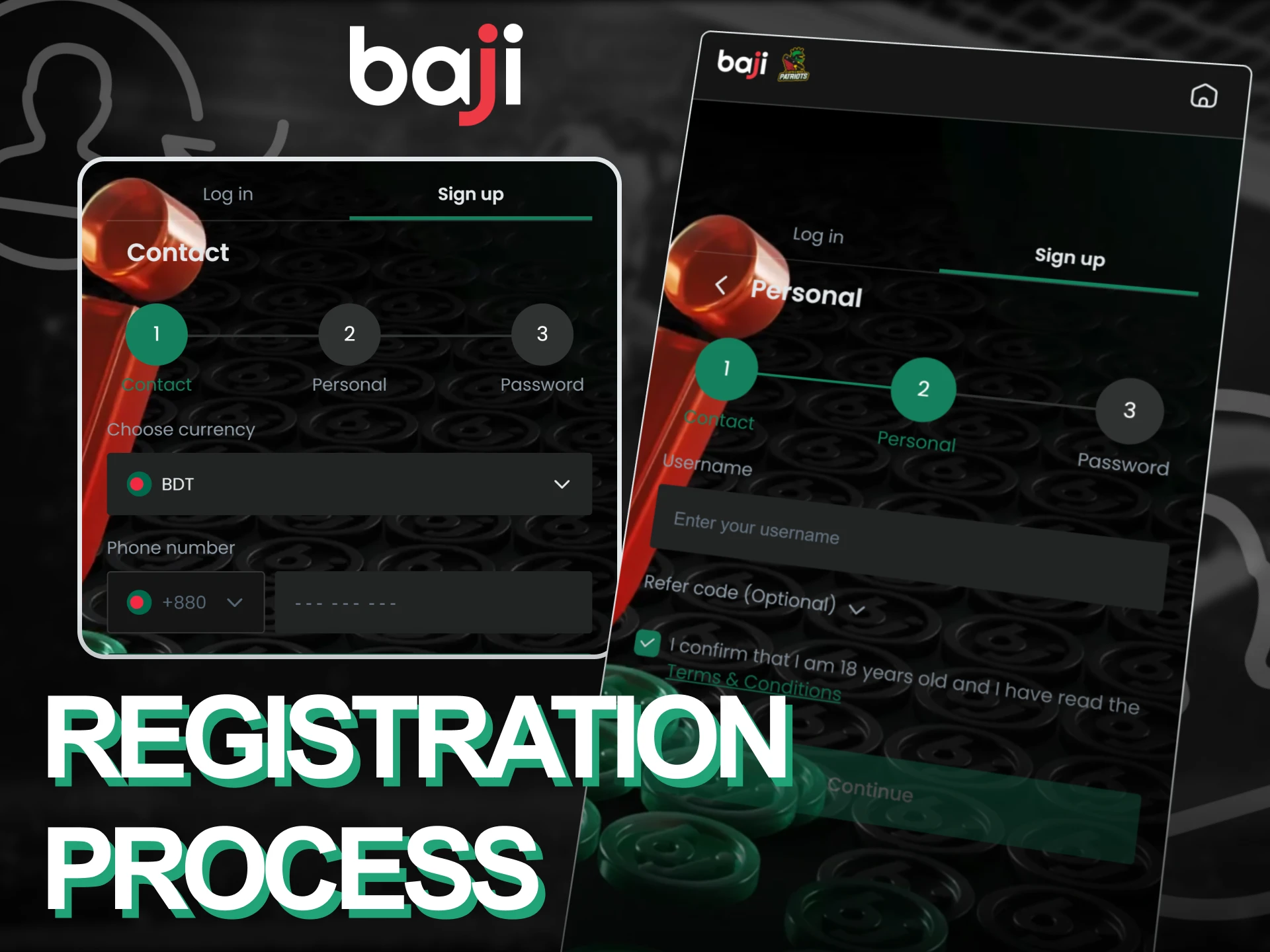
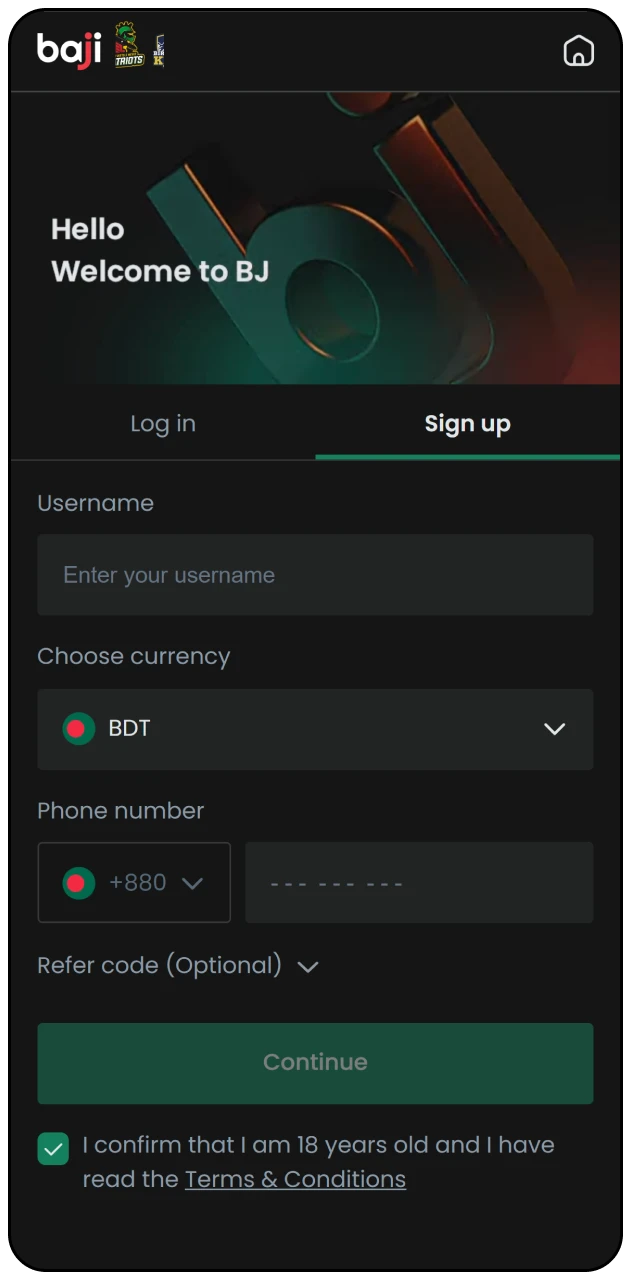
Creating an account through the mobile application takes less than two minutes. Follow these steps to complete registration:
The application provides the same promotional offers as the desktop site, including deposit bonuses and free bets. New users receive a 100% welcome bonus on their first deposit, while existing players can claim reload bonuses and cashback offers through the promotions section. Below are the main bonus types available.
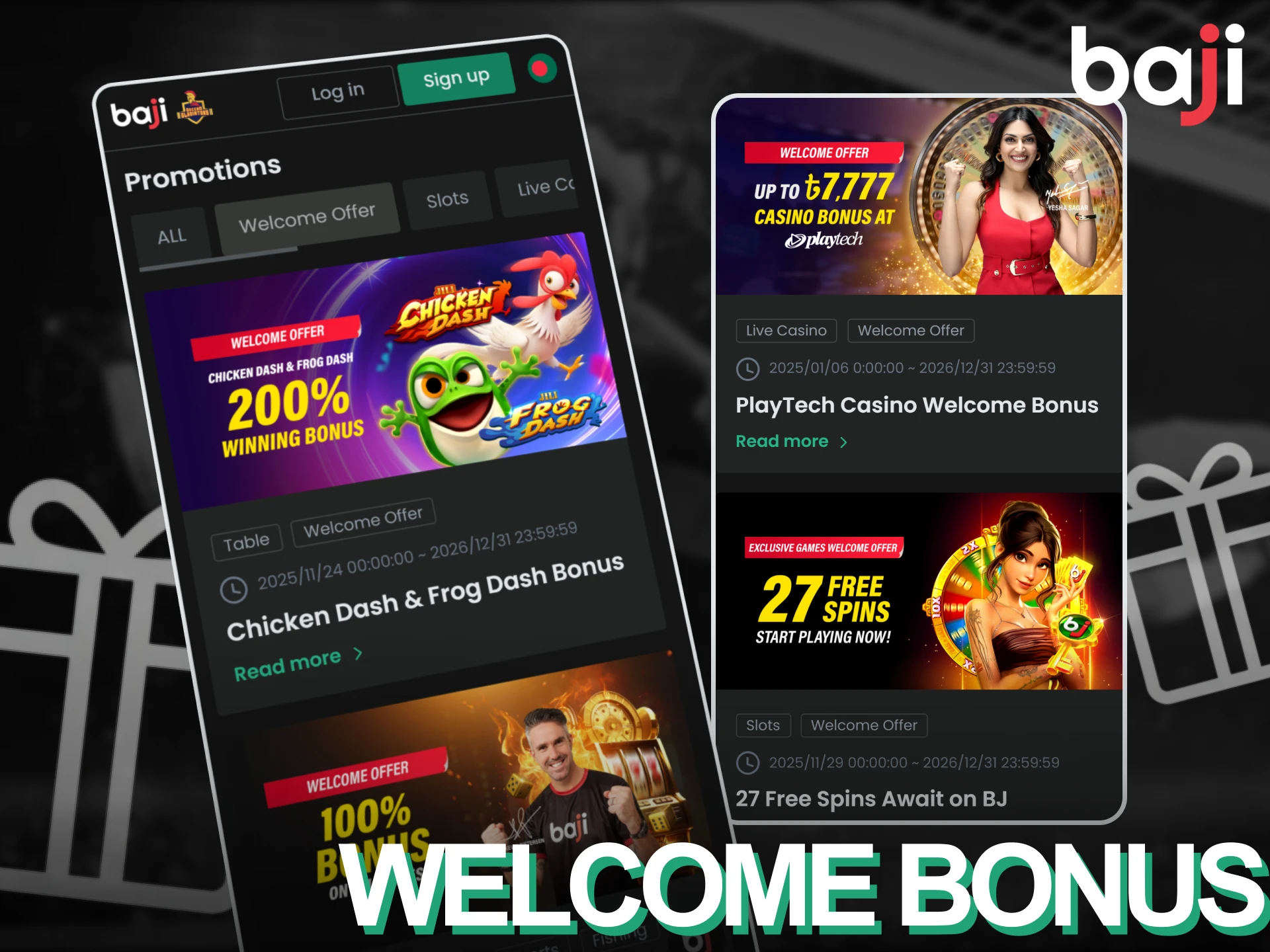
New players receive a 100% match on their first deposit up to BDT 1,777 when registering through the mobile application.
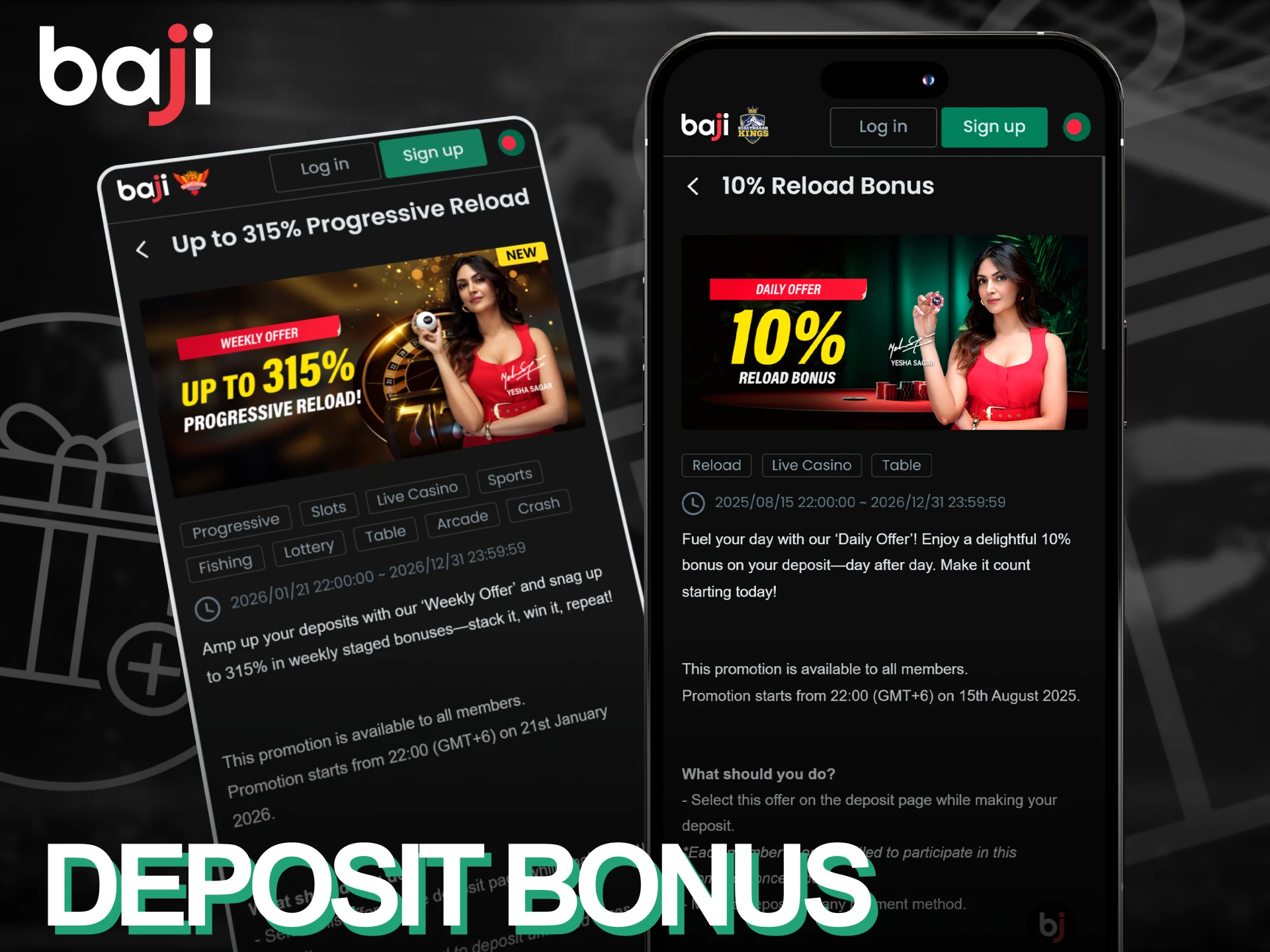
Reload bonuses appear in the promotions tab after making your second deposit.
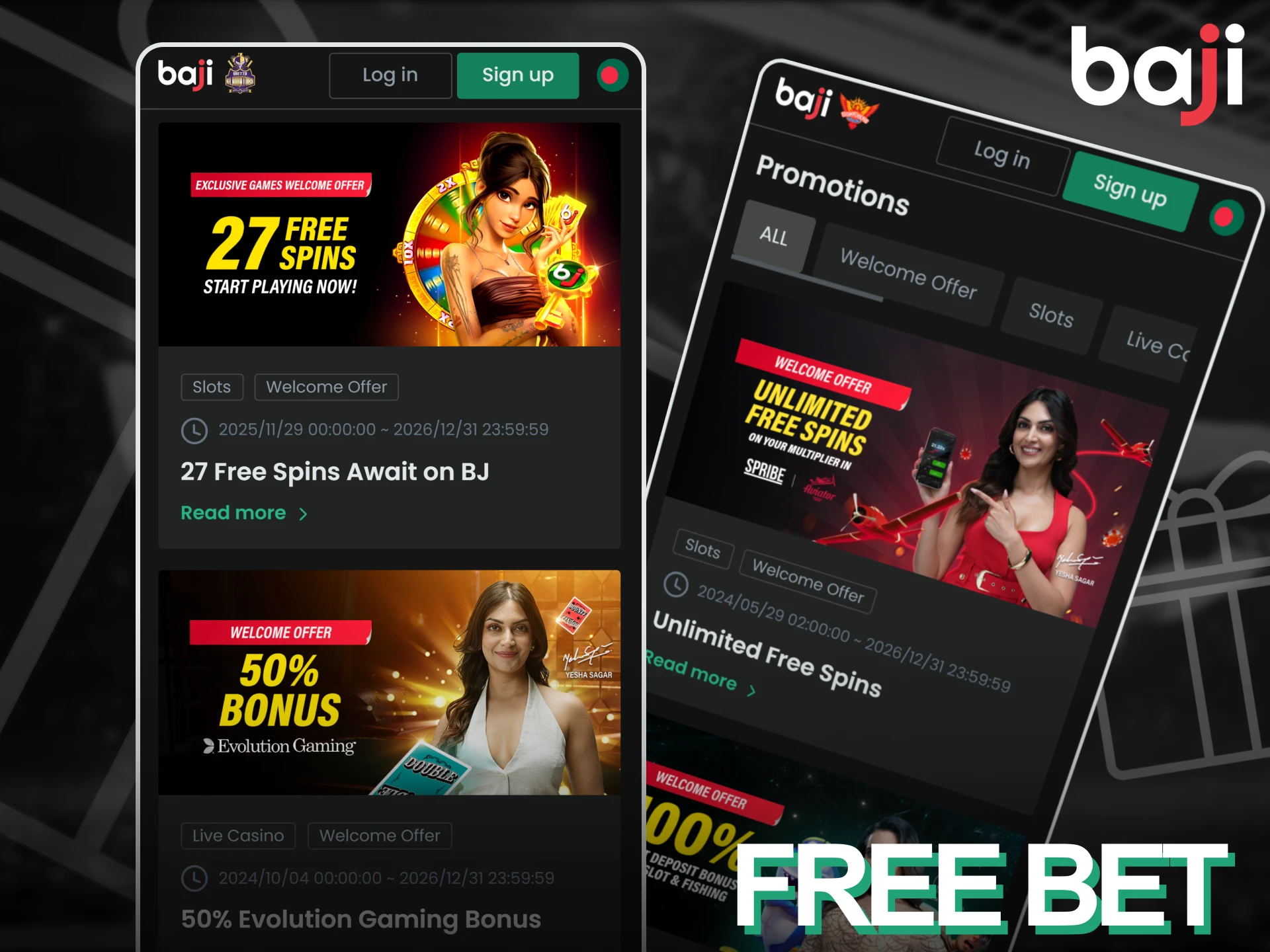
Free bet credits are awarded to active users who place at least five bets per week.
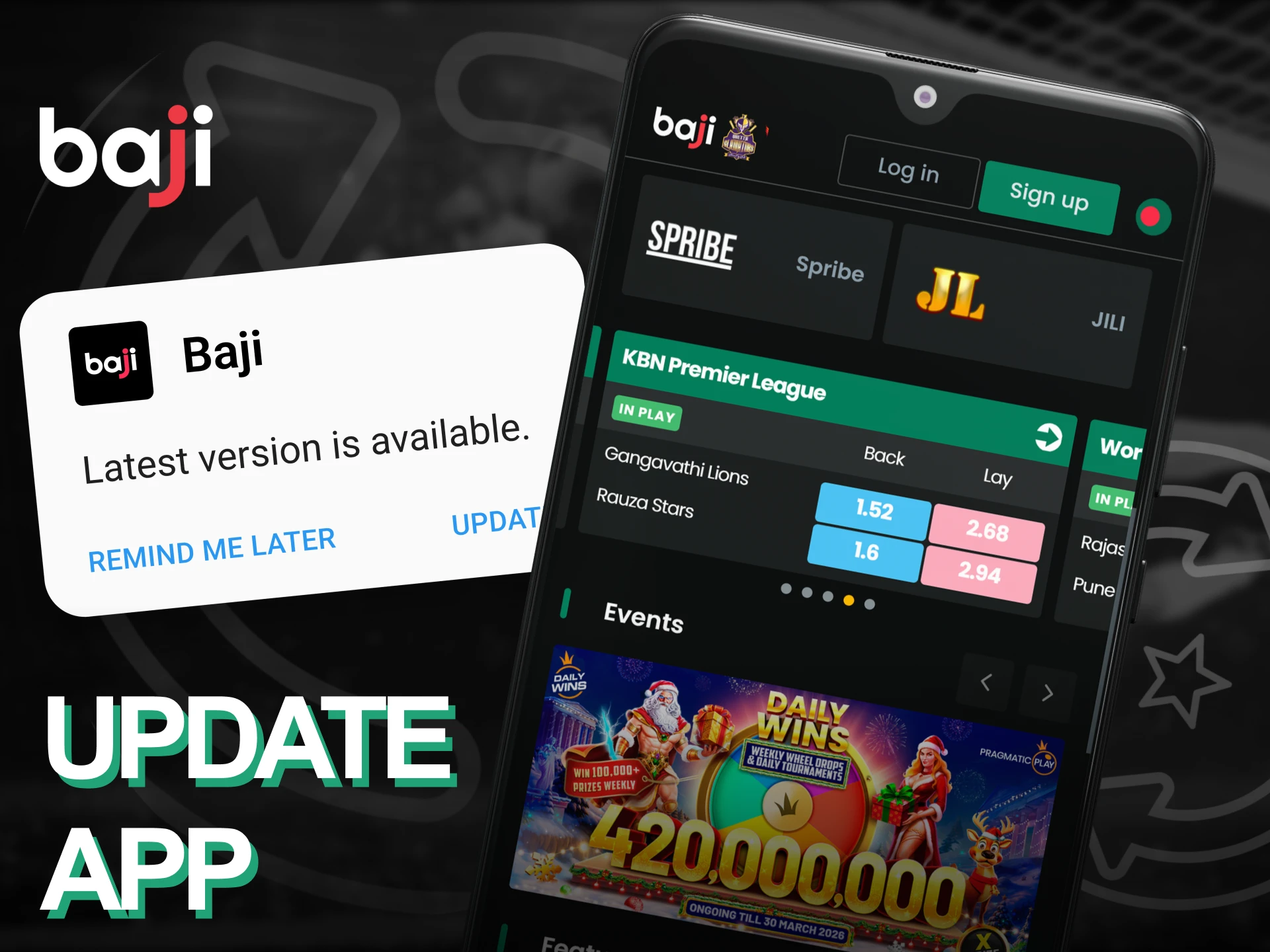
Android users should visit the official website and download the newest APK file when an update becomes available. Open the downloaded file and tap “Install” to replace the old version. iOS users do not need to update manually because the PWA refreshes automatically each time you open it. You can check your current version number in the account settings menu to confirm you are using the latest release.
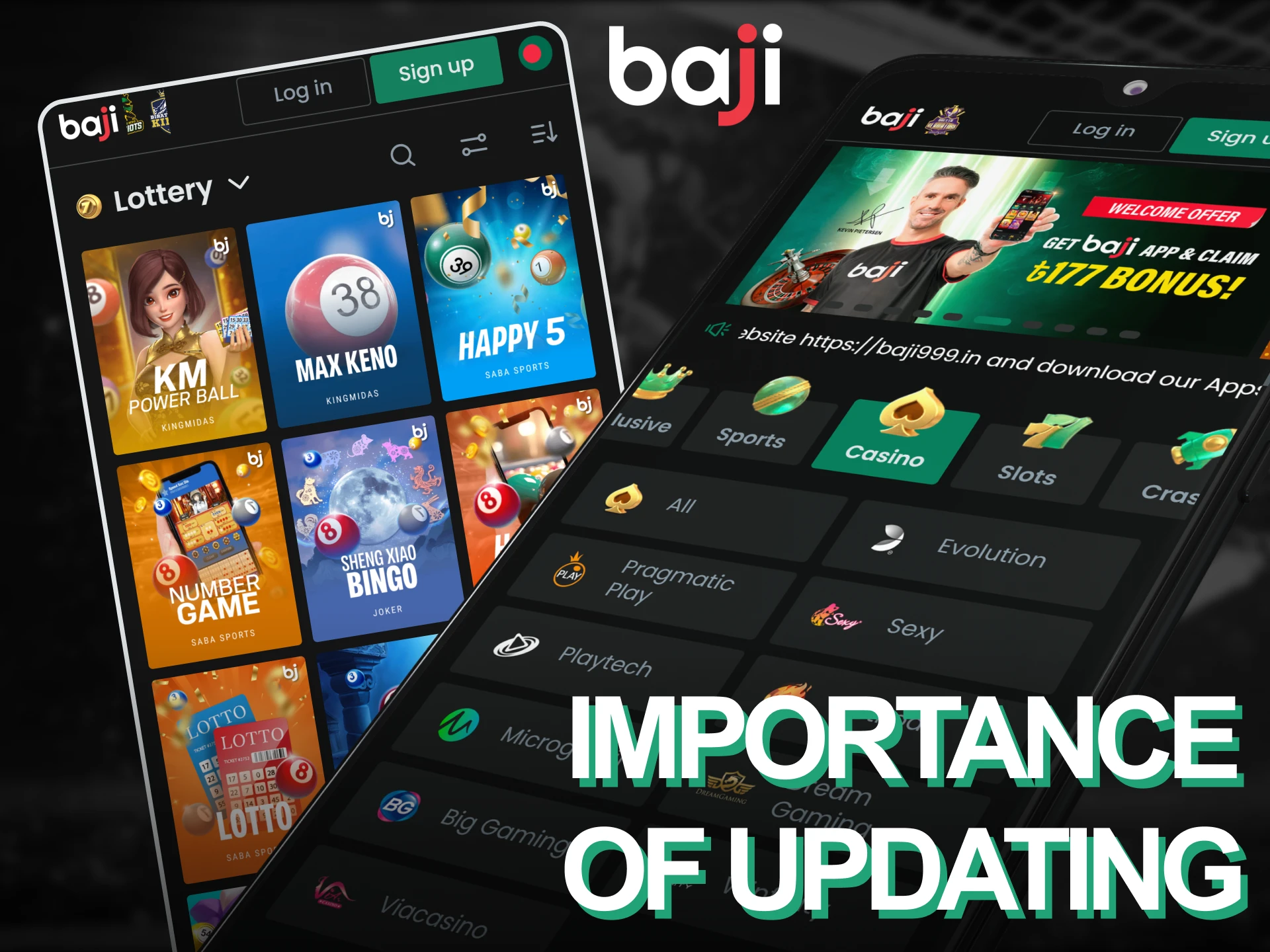
Updates fix bugs that slow down betting or cause crashes during live matches. New versions also add payment methods and improve security protocols to protect your account. Keeping the application updated ensures you can access all features without compatibility issues.
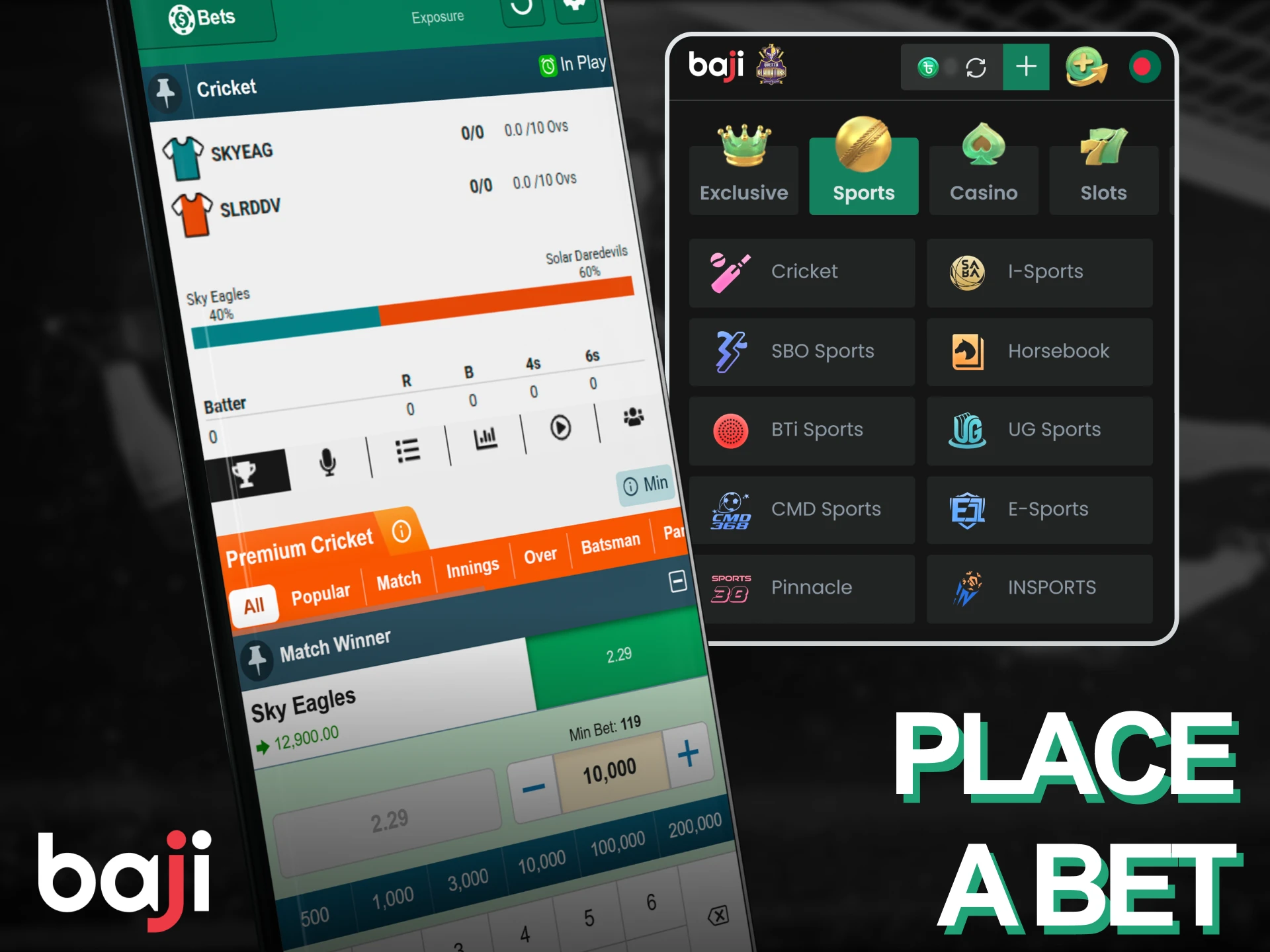
Placing a bet takes less than 30 seconds once you have funds in your account. Follow these steps:
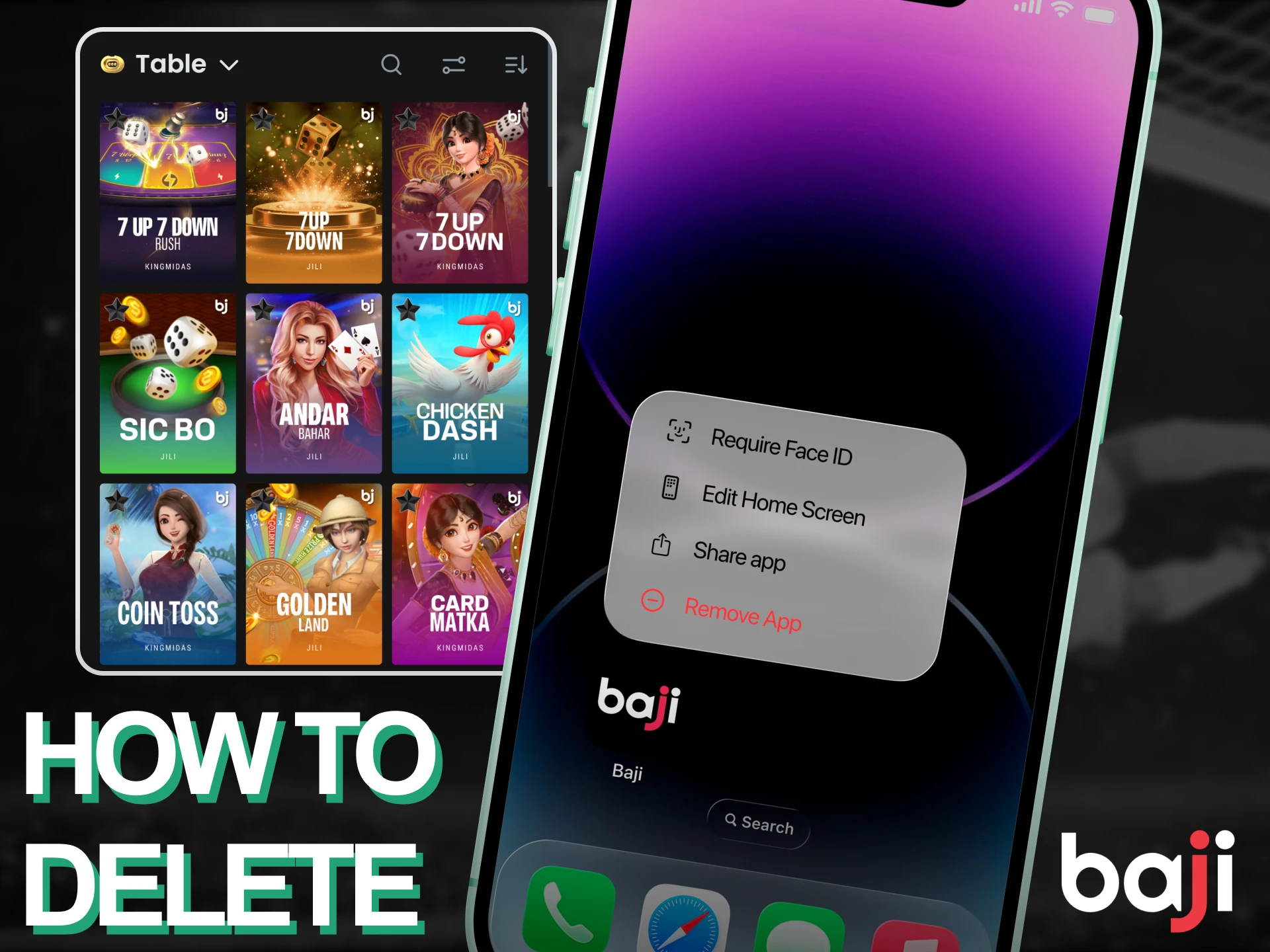
Android users should press and hold the app icon on their home screen, then drag it to the “Uninstall” option at the top. iOS users can delete the PWA by pressing and holding the icon until it jiggles, then tapping the X button that appears.
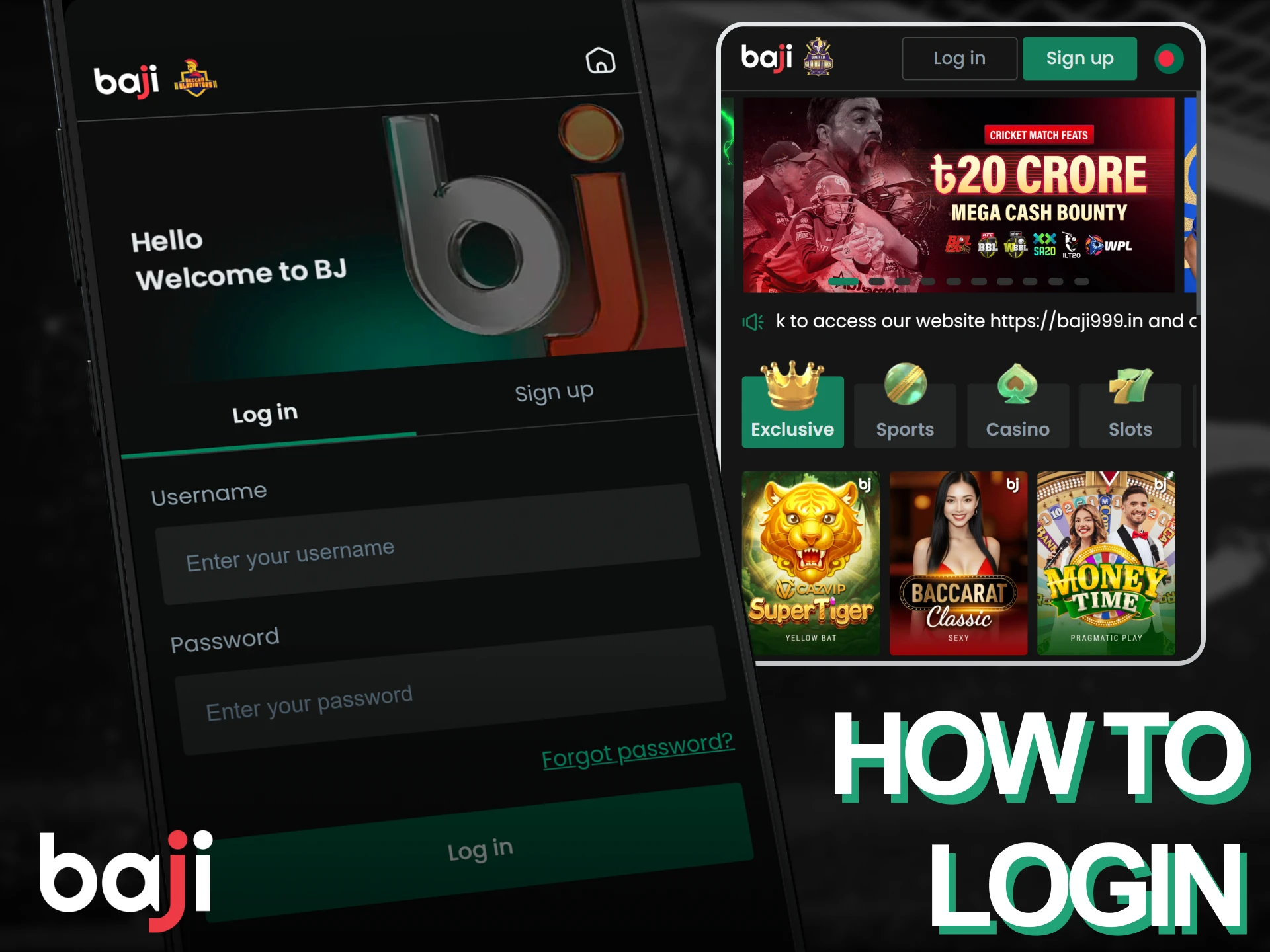
Logging in takes less than 10 seconds if you saved your credentials. Follow these steps:
The application combines sports betting and casino games in one interface. It loads faster than the mobile site and saves your login details for instant access. Push notifications alert you when matches start or when your bets settle. The built-in payment system supports bKash, Nagad, and bank transfers for deposits and withdrawals. Below are detailed breakdowns of the main features.
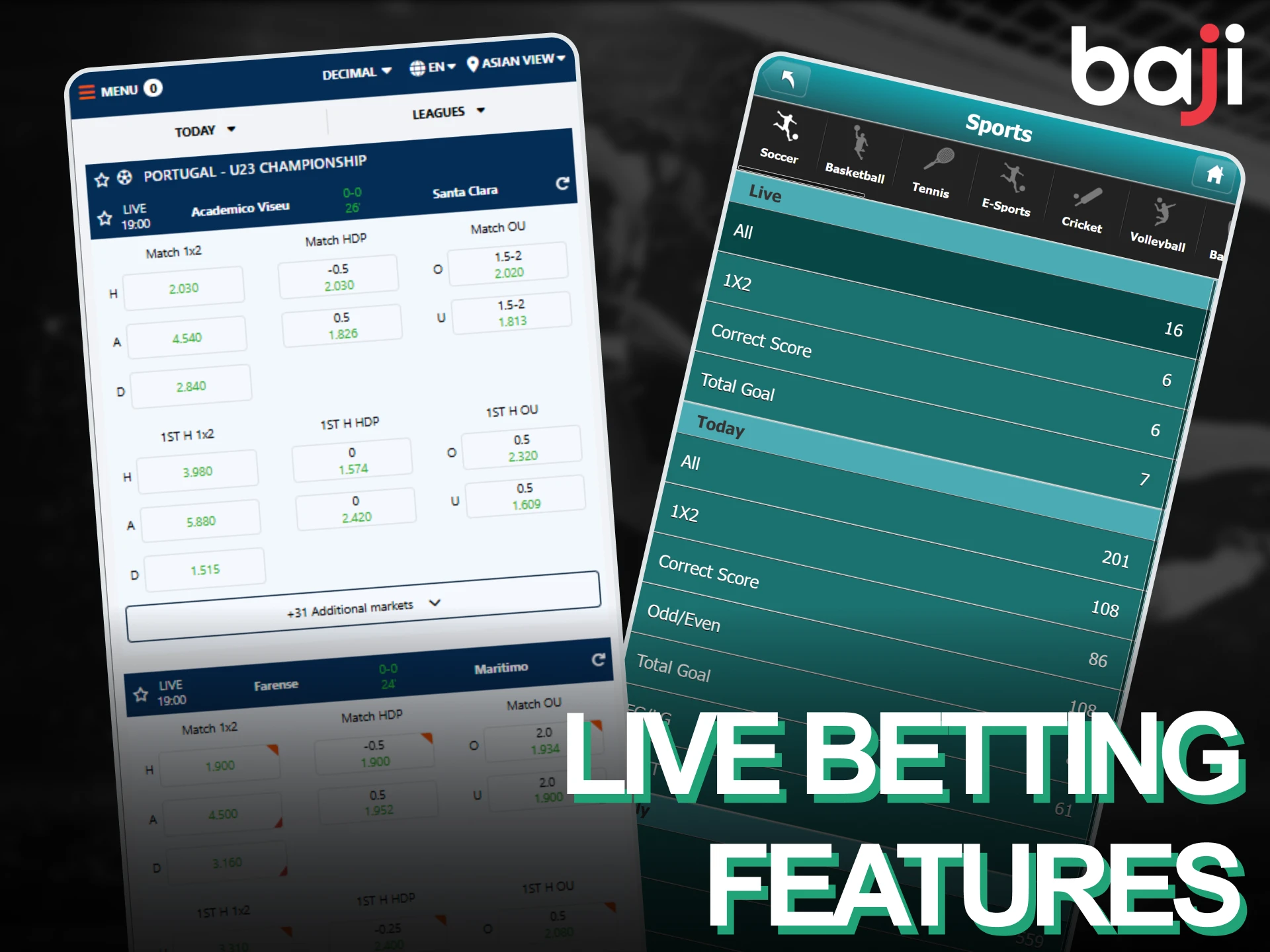
Live betting markets update every few seconds during ongoing matches. The application displays current scores and match statistics directly above the odds, helping you make informed decisions. You can bet on cricket, football, tennis, and basketball while watching the action unfold. The interface highlights odds changes in yellow to show when bookmaker adjustments occur. Live streaming is available for selected cricket and football matches, letting you watch games without leaving the app. The live section loads within two seconds and maintains stable performance even during high-traffic events like IPL matches.
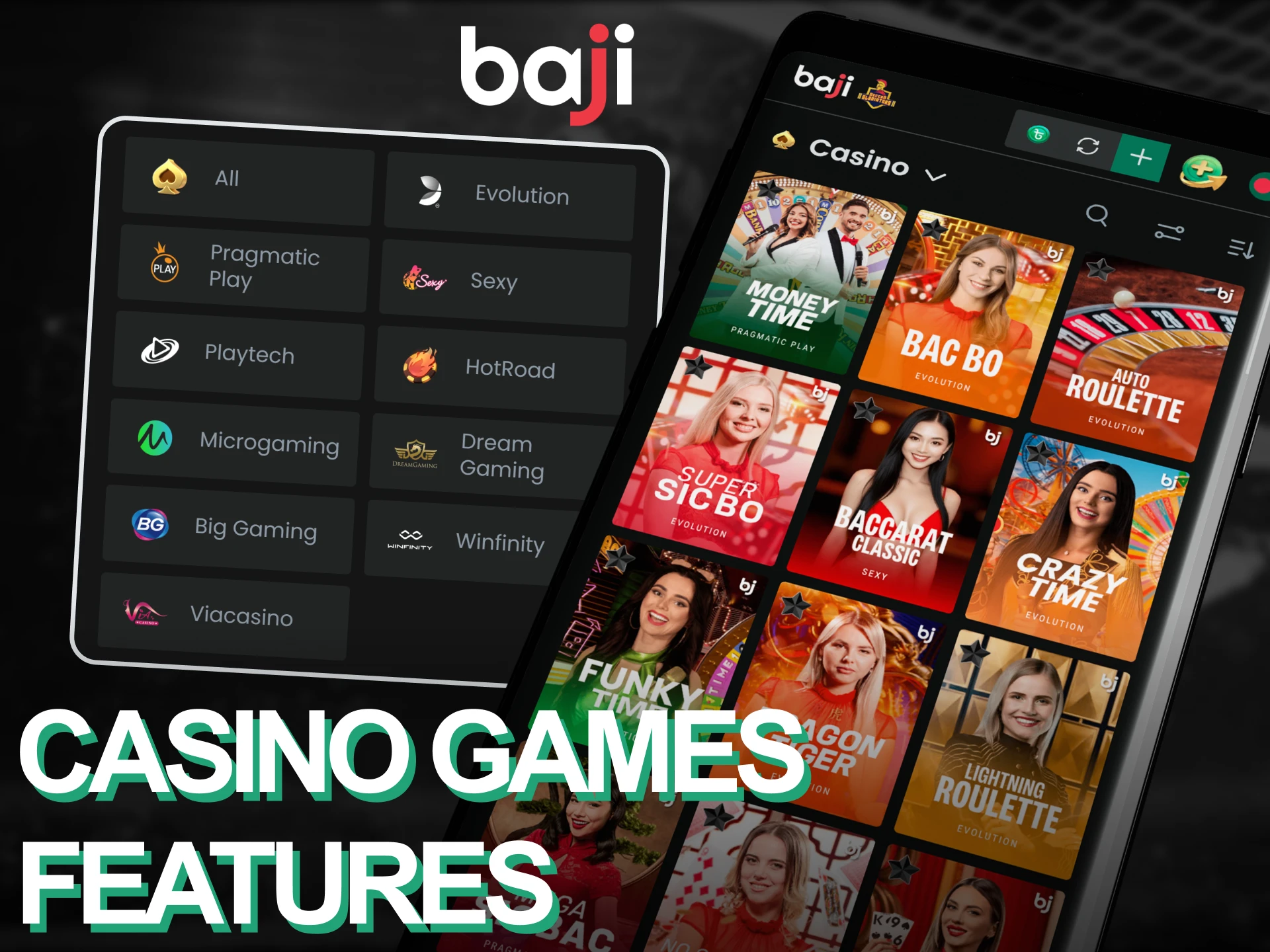
The casino lobby includes over 500 slot titles from providers like Pragmatic Play, NetEnt, and Play’n GO. Popular games include Book of Dead, Gates of Olympus, and Sweet Bonanza. Live dealer tables offer blackjack, roulette, and baccarat hosted by real dealers from Evolution Gaming and Ezugi. Games load in less than five seconds on 4G connections and support both portrait and landscape screen orientations. The search function lets you find specific titles by name or filter games by provider.
The deposit section supports five payment methods tailored for Bangladeshi users. Transactions process instantly for bKash and Nagad, letting you start betting within seconds of confirming your payment. Bank transfers take 15 to 30 minutes to reflect in your account balance. All deposit data transmits through 256-bit SSL encryption to prevent unauthorized access during transactions.
| Feature | Details |
|---|---|
| Available Payment Methods | bKash, Nagad, Rocket, Bank Transfer, Card |
| Minimum Deposit | BDT 500 |
| Maximum Deposit | BDT 500,000 |
| Transaction Security | 256-bit SSL encryption |
| Processing Time | Instant (e-wallets), 15-30 minutes (bank) |
Withdrawals process through the same methods you used for deposits. E-wallet transfers typically complete within four hours during business days. Bank withdrawals take up to 24 hours depending on your bank’s processing schedule. You must verify your account by submitting ID documents before making your first withdrawal.
| Feature | Details |
|---|---|
| Available Withdrawal Methods | bKash, Nagad, Rocket, Bank Transfer |
| Minimum Withdrawal | BDT 1,000 |
| Maximum Withdrawal | BDT 1,000,000 per transaction |
| Transaction Security | 256-bit SSL encryption, two-factor authentication |
| Processing Time | 4 hours (e-wallets), 24 hours (bank) |
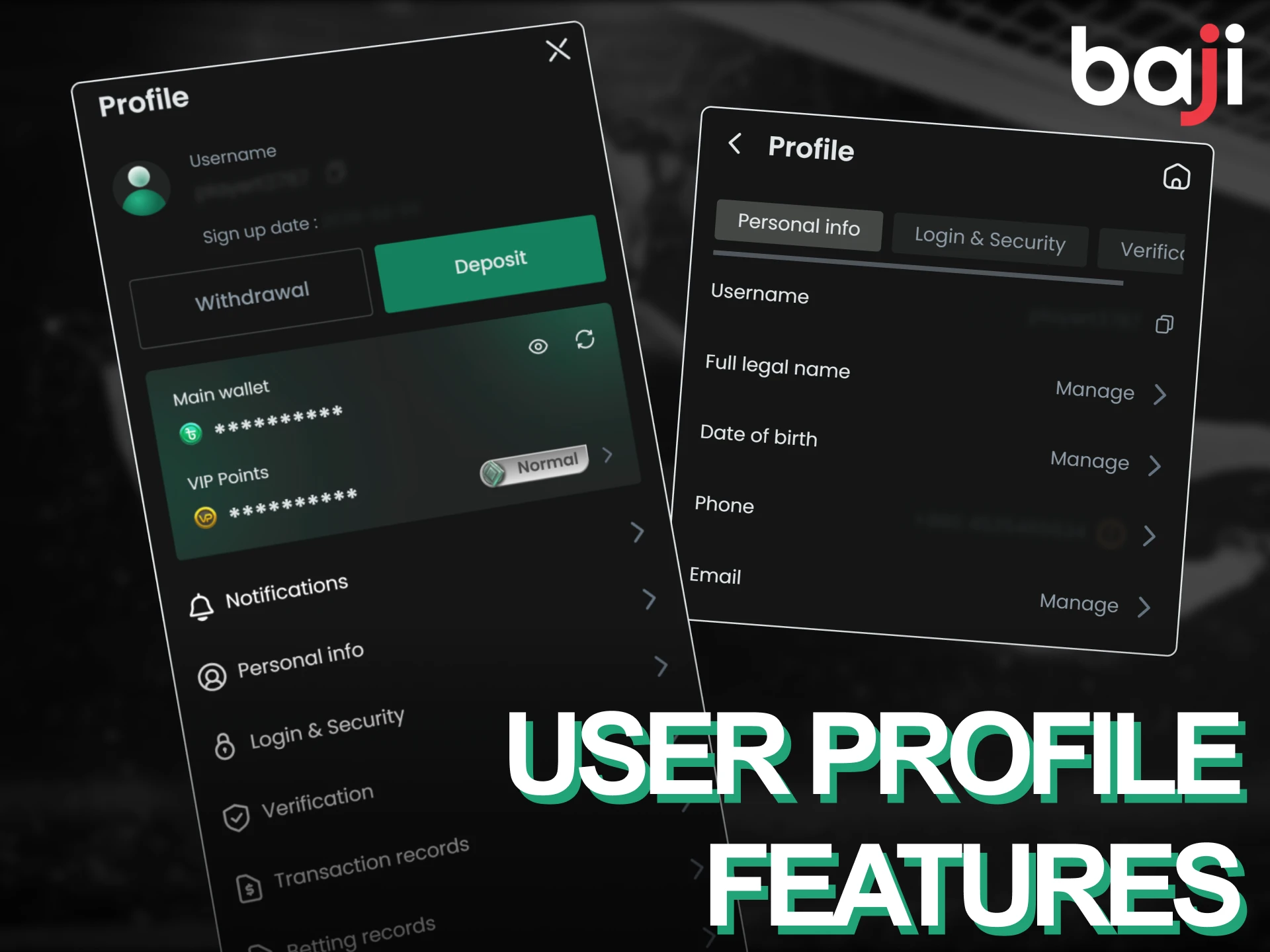
The profile section displays your current balance, bonus funds, and recent betting history in one screen. You can change your password, update your mobile number, and upload verification documents directly through the app. Transaction history shows all deposits, withdrawals, and bet settlements for the past 90 days. The balance indicator updates in real time whenever you place a bet or receive winnings. Personal details remain editable at any time, but changing your registered mobile number requires contacting customer support.
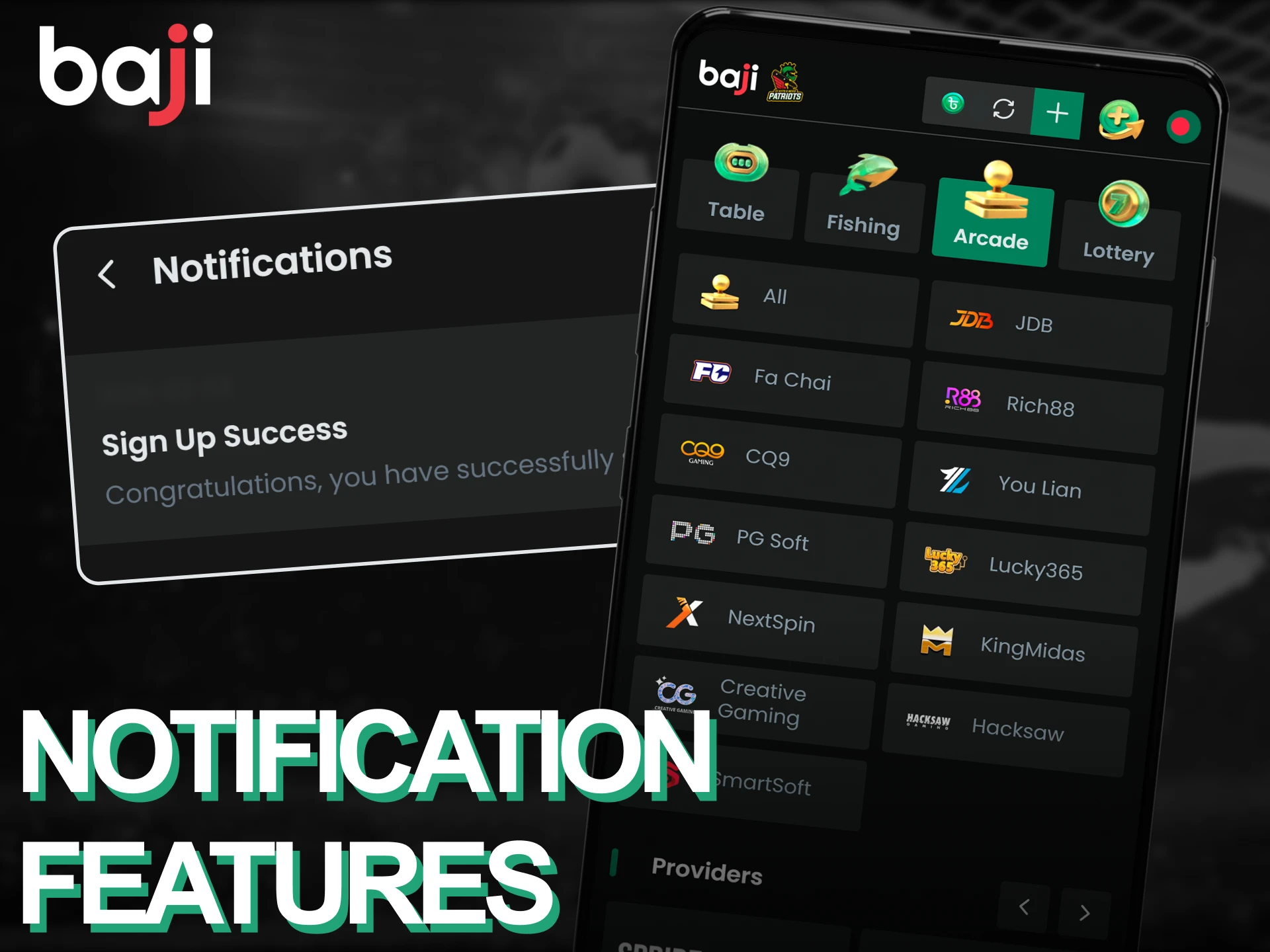
Push notifications keep you informed about upcoming matches, bonus offers, and bet settlements. You can customize which notifications you receive by visiting the settings menu and toggling options for sports alerts, casino promotions, and payment confirmations. The app sends notifications instantly when your bets win or lose, eliminating the need to check manually. Delivery remains reliable even when the application runs in the background. You can disable all notifications if you prefer not to receive updates.
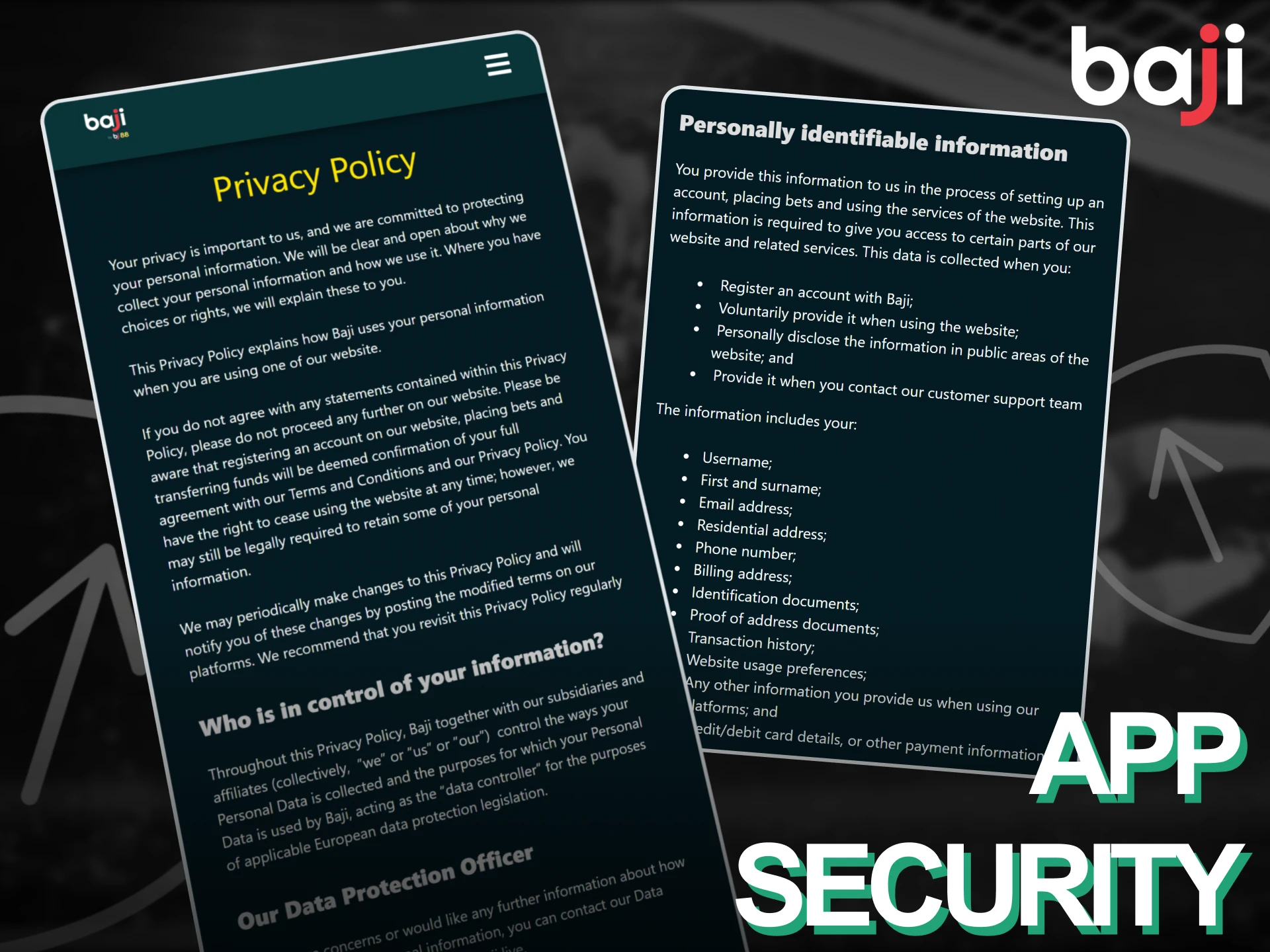
The application encrypts all data transfers using 256-bit SSL technology, the same standard used by banking apps. Login credentials never store in plain text on your device, protecting your account even if someone gains physical access to your phone. Two-factor authentication adds an extra verification step by sending a code to your registered mobile number whenever you log in from a new device. Payment processing happens through PCI-DSS compliant gateways that separate your financial information from betting data. The app requires biometric authentication (fingerprint or face ID) on supported devices before accessing sensitive areas like withdrawal requests. Regular security audits identify and fix vulnerabilities before they can be exploited. Your personal information remains protected under strict data privacy policies that comply with international standards.
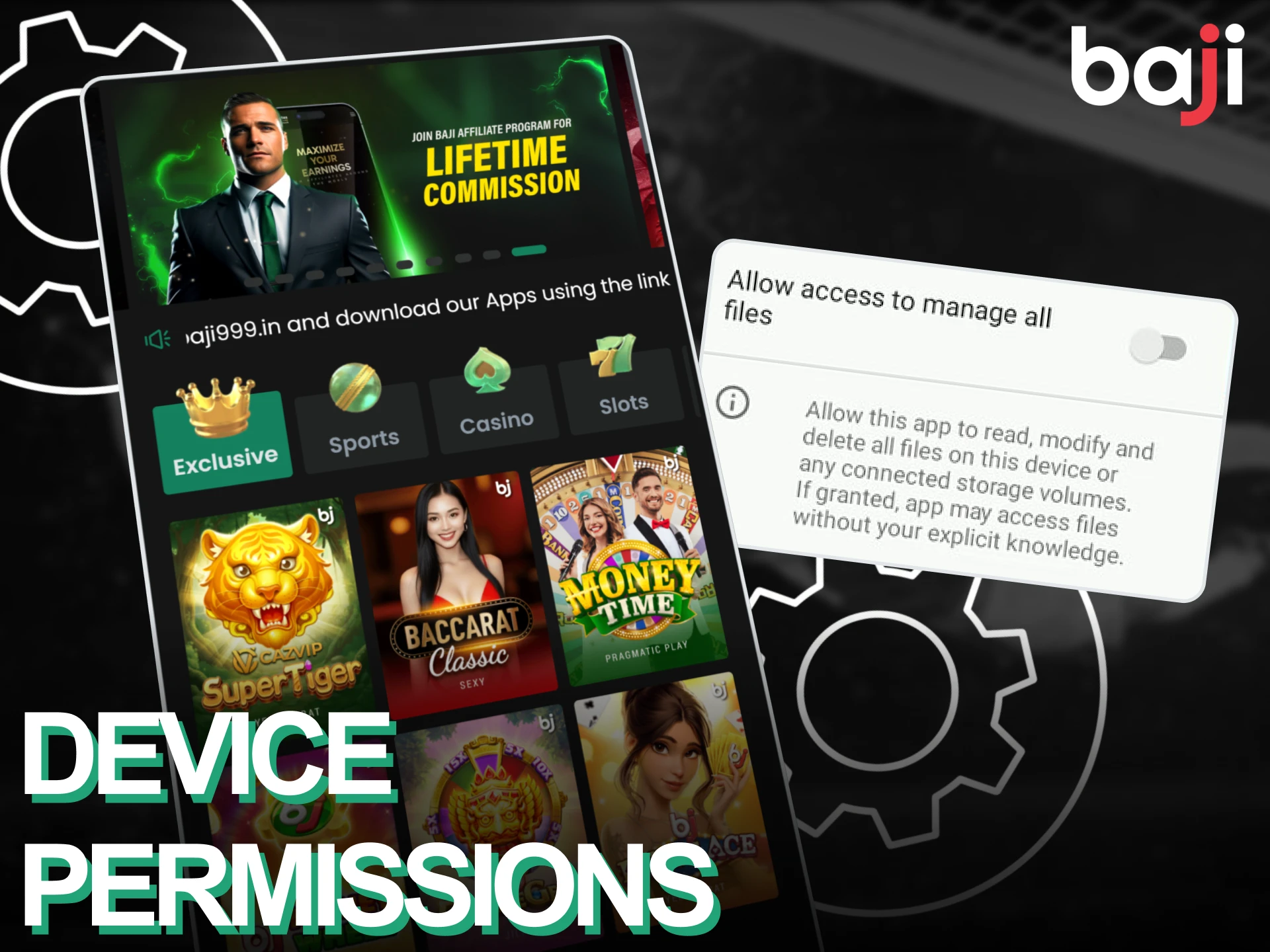
The application requests access to your device storage to save login details and cache game data for faster loading. Location permission helps verify your geographical position to ensure compliance with local gambling regulations. Notification access allows the app to send alerts about match results and bonus offers directly to your lock screen. Camera permission is required only when uploading verification documents for account security purposes. Internet access enables real-time odds updates and live streaming functionality. The app does not request access to your contacts, microphone, or call history. You can review and modify these permissions through your phone’s settings menu at any time without affecting core betting features.
Yes, your account works on any device. Log in using the same mobile number and password.
It runs on Android 5.0 and iOS 11.0 or higher. Phones from 2015 onwards should work.
Verification completes within 24 hours after submitting your ID documents through the app.
Yes, the mobile website offers the same features, but the application loads faster and saves your login.
Android users download new APK files from the official website. iOS users get automatic updates through the PWA.
Tap “Forgot Password” on the login screen and follow the instructions sent to your registered mobile number.
You can deposit using any supported method, but withdrawals must go to the same method you used for deposits.
All promotions shown on the desktop site appear in the mobile application under the “Promotions” section.
Updated: