
Contact Baji Live
It’s important for Baji Live players to have a way to reach out if there are any issues with deposits, bonuses, registration, withdrawals, or anything else. Baji offers several official support channels, and live chat is open 24/7. The table below lists them. This site is an independent guide to Baji Live and cannot see or change player accounts, so account questions should always go to Baji’s own support.
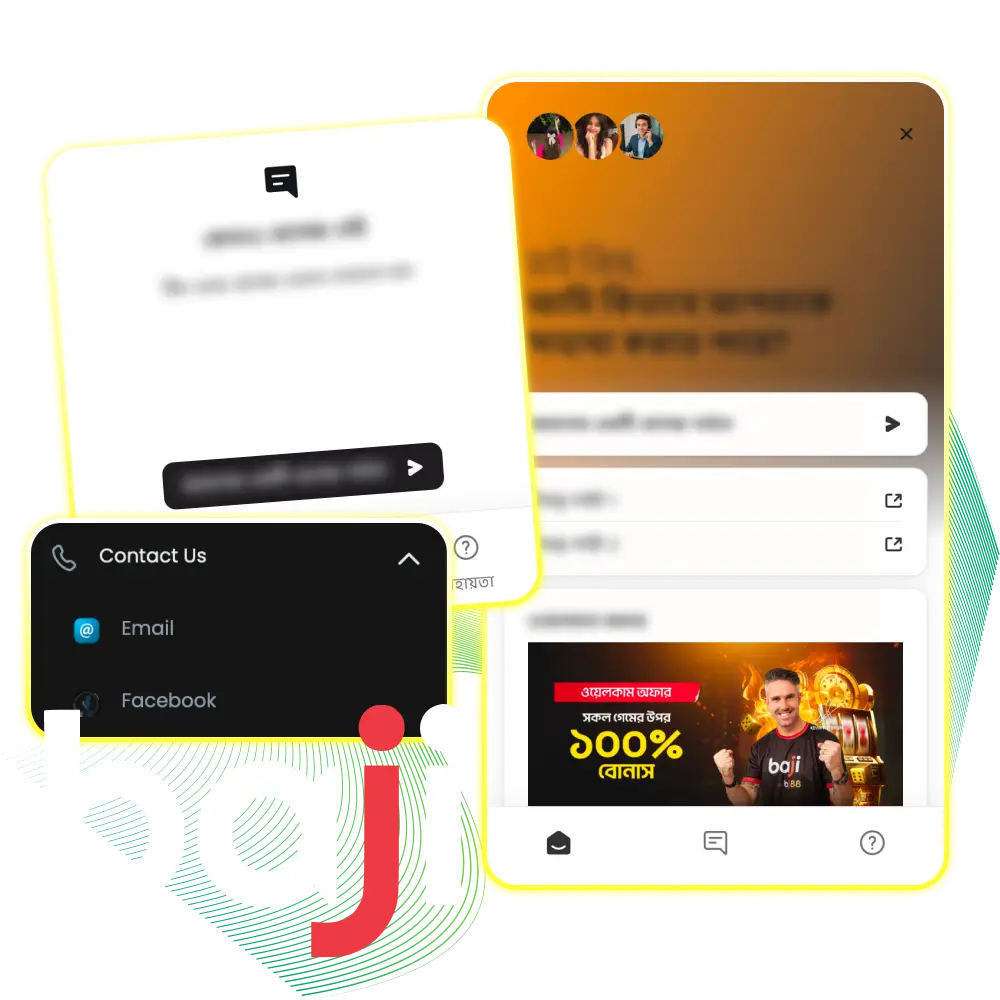
Customer Support Channels
Baji Live provides four official ways to contact support:
| Channel | Description |
| Live Chat (24/7) | The fastest option: open the chat on the official Baji Live website or in the app, at any time of day, including weekends |
| For detailed questions and documents, players can email support.bd@baji.live | |
| Facebook Messenger | Messages to Baji’s official Bangladesh Facebook page (facebook.com/baji.bgd) |
| Help Centre | helpbaji.live has guides and answers to common questions about accounts, payments and bonuses, in English and Bangla |
Baji does not publish a support phone number. Use only the channels listed above, and treat messages from other accounts that claim to be Baji support with caution.
Before You Contact Support
A few details help support solve a problem in one conversation:
- The Baji Live username and the phone number or email linked to the account;
- For a deposit or withdrawal: the payment method, amount, date and time, and the transaction ID from bKash, Nagad, Rocket or the bank;
- A screenshot of the error message or of the payment confirmation;
- For a bonus question: the name of the promotion and the date of the deposit;
- For verification: clear photos of valid documents that match the account details.
Deposits are usually credited within 5–30 minutes, so it is worth waiting that long before reporting a missing deposit. Never share a password or an OTP code with anyone, including people who claim to work for Baji.
Updated: